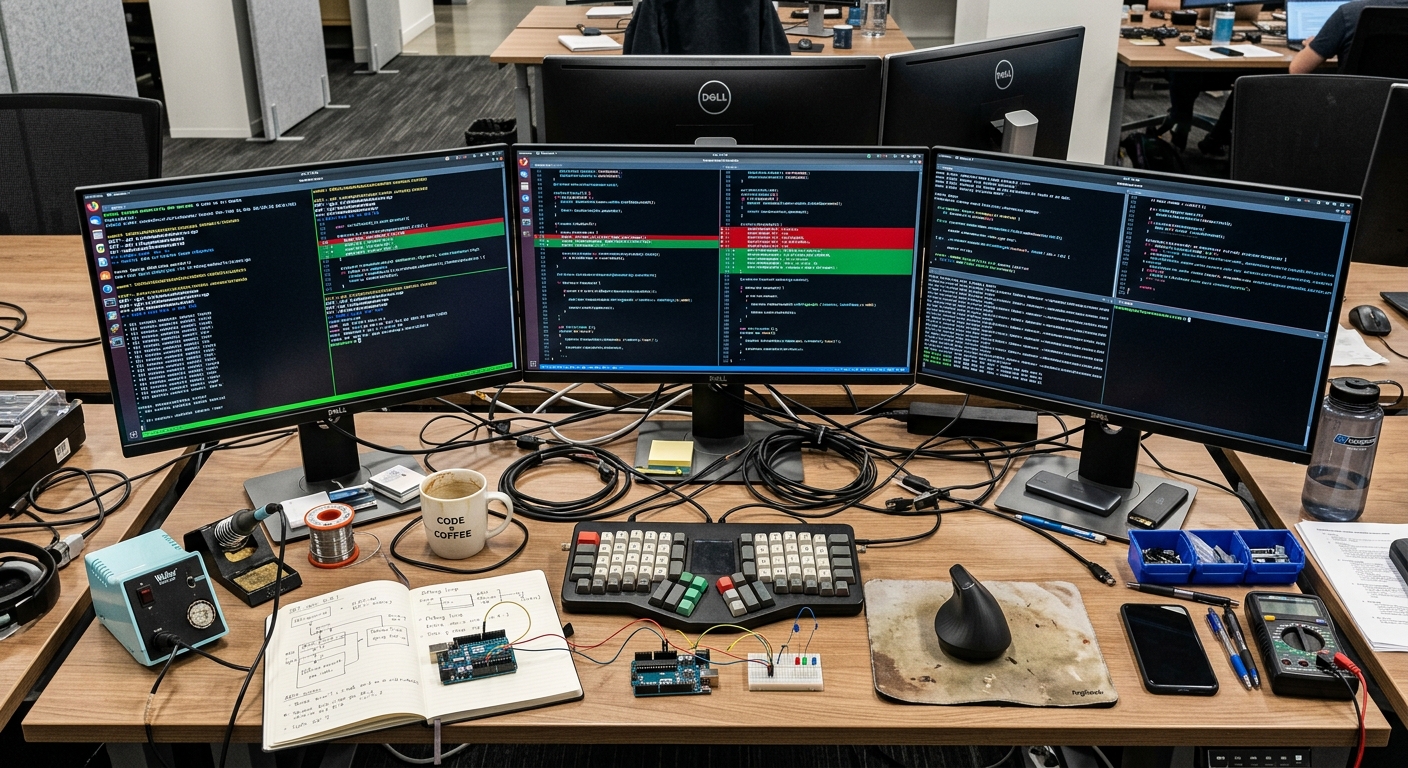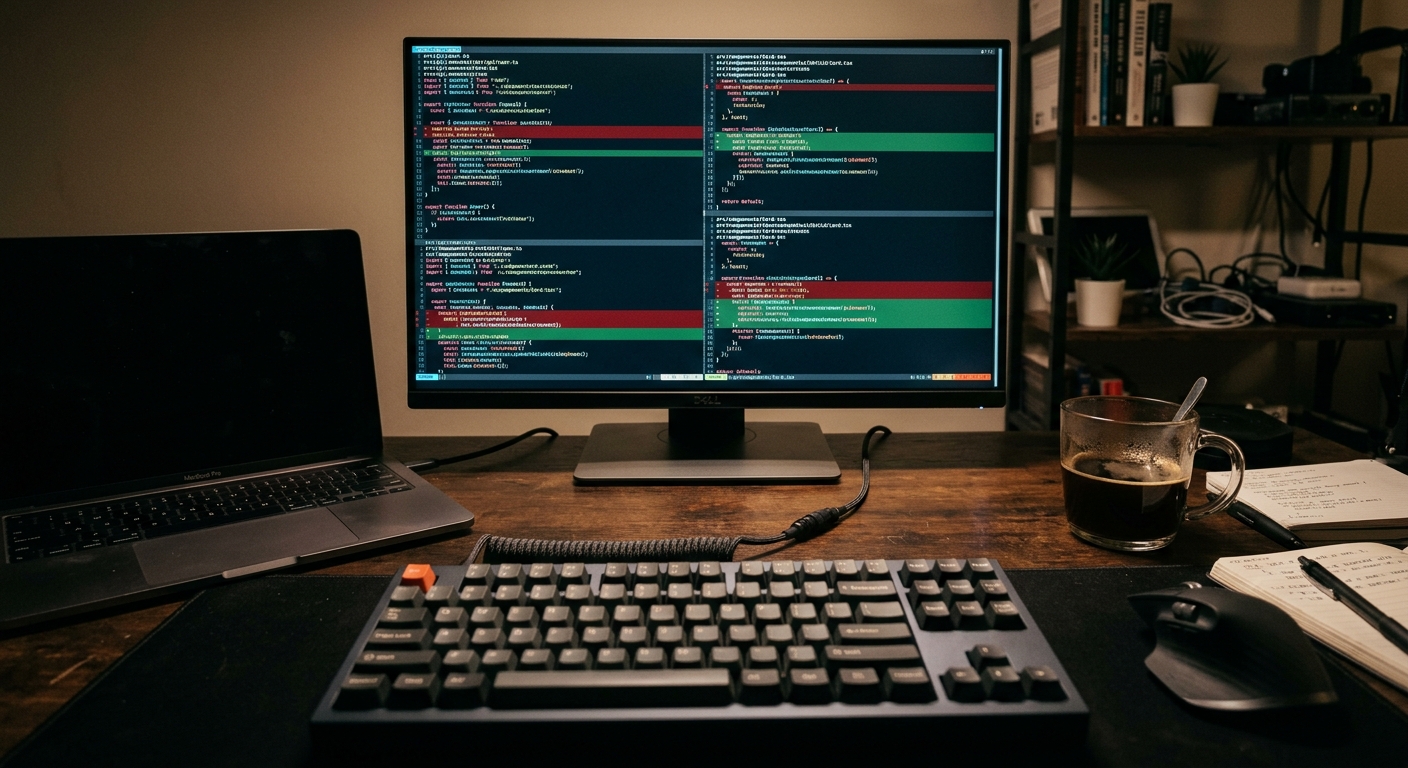
I spent four hours last Tuesday fixing a regression that an AI agent introduced into our main payment service. The tool, which shall remain nameless for this sentence, decided that a shared utility function was 'redundant' and deleted it. It did not check the thirty-two other microservices that depended on that internal package. The build broke. The ship was delayed. My afternoon was gone.
This is the reality of using AI on a large codebase. It is not about how fast you can generate a 'Hello World' app. It is about whether the tool understands the gravity of a change in a repository with 500,000 lines of code. If you are choosing between Claude Code and Cursor for a professional environment, you are choosing between two very different philosophies of context management.
Cursor is an IDE fork. It lives where you type. Claude Code is a terminal-based agent. It lives where you build. After using both on a massive monorepo, I have found that one is a productivity tool for individuals, while the other is a junior engineer in a box that you can actually hold accountable. This post is a reality check on which one you should actually trust with your production branch.

What you will have at the end
By following this comparison, you will have a clear decision matrix for your team. You will understand how to set up Claude Code for deep repository analysis and how to configure Cursor to stop it from hallucinating across file boundaries. You will also have a test case you can run to see if your chosen tool can handle a complex, multi-file refactor without causing an incident.
Prerequisites
Before you start benchmarking these tools, you need a few things in place. Do not try this on a demo repo. Use a project that actually has technical debt.
- An Anthropic API key with tier 4 or higher access for Claude Code. This is necessary because the agentic loops will quickly hit rate limits on lower tiers.
- Node.js 18 or higher for the Claude Code CLI.
- A Cursor subscription. The free tier is fine for testing, but you will hit backpressure on the 'small' models almost immediately in a large codebase.
- A local clone of a large repository. Ideally one with a complex dependency graph and a slow test suite.
Step 1: Benchmarking Context Windows and Indexing
In a large codebase, the biggest bottleneck is context. If the AI cannot see the definition of the function in pkg/utils/math.go while it is editing services/billing/calc.go, it will fail.
Cursor handles this with a local vector index. When you open a folder, it starts indexing your files. You can see this in the bottom right corner of the IDE. It uses RAG (Retrieval-Augmented Generation) to pull in relevant snippets when you @-mention a file or folder.
Claude Code takes a different approach. It does not just index. It explores. When you run a command, it can use tools to ls directories, grep for strings, and read files as needed. This is a significant shift. Instead of a static index that might be stale, the agent actively searches the current state of the disk.
To test this, run a deep search for a poorly named utility function across your repo.
# In Claude Code
claude "Find every place where we calculate tax and tell me if we handle rounding errors consistently"
In my experience, Cursor often misses the 'long tail' of occurrences if they are not indexed properly or if the embedding model decides they are not 'similar' enough. Claude Code, because it can literally run grep -r, is much more thorough. However, the tradeoff is cost. Claude Code will burn through tokens as it reads files to verify its findings. Cursor is cheaper because it relies on its pre-built index.
Step 2: Executing a Multi-file Refactor
This is where most AI tools fall apart. A simple refactor in a large codebase involves changing a signature in one place and updating all callers.
I tried this with a change to an internal logging interface. I needed to add a context.Context argument to every Logger.Info() call across four different packages.
Cursor's 'Composer' mode is impressive. You can hit Cmd+I, tell it the change, and watch it edit files. It is fast. But it is also flaky. In a codebase with hundreds of calls, it often misses the last 10 percent of files, or it gets bored and starts adding // TODO: fix this comments instead of actually fixing the code. This leads to a broken build and a frustrating manual cleanup.
Claude Code handles this differently because it is agentic. It does not just write code. It can run your compiler.
# Example of an agentic loop in Claude Code
claude "Add context.Context to the Logger interface and update all implementations. Run 'go build' after and fix any errors."
Because Claude Code can see the output of your build command, it enters a loop: edit, build, see error, edit again. This is how a human works. It reduces the chance of a regression because the agent is responsible for the 'green' state of the repo, not just the text in the editor. If you are interested in a deeper dive on this specific behavior, check out our Claude Code vs Cursor for Large Codebases: A Senior Teardown.

Step 3: Integrating with CI/CD and Observability
The final step is figuring out how these tools fit into your actual workflow. Cursor is a personal tool. It lives on your machine. You cannot easily script it or run it in a headless environment.
Claude Code, being a CLI, is much more flexible. I have started using it to investigate flaky tests in my local environment before I ship a PR. If a test fails, I pipe the output to Claude and tell it to fix the flakiness.
However, do not mistake this for a 'fire and forget' solution. You still need observability. You still need a solid post-mortem process when things go wrong. If an AI agent suggests a fix that passes the tests but introduces a performance regression, you need to catch that in your staging environment with actual metrics.
One thing I have noticed is that Windsurf offers a middle ground here with its 'Flows', but for pure terminal-based power, Claude Code is currently ahead. If you are focused strictly on UI components, you might find that v0 is a better fit for generating the initial code, which you then manage with Claude Code for the logic.
Troubleshooting
If you find yourself using these tools on a large codebase, you will run into these issues:
- Token Backpressure: On Claude Code, if you ask it to 'refactor the whole repo', it will hit API limits. Break your requests down by package or module.
- Stale Indexing: In Cursor, if you have just performed a large
git pull, the index might be out of sync. Force a re-index in the settings if you see it hallucinating old function names. - Context Fragmentation: Both tools struggle if the logic is split across too many small files. Try to provide the most relevant 'entry point' file as a hint to the AI.
- Flaky Agents: Sometimes Claude Code gets stuck in a loop trying to fix a compiler error it does not understand. If it fails three times, kill the process. It is probably hallucinating a fix that does not exist in your version of the library.
Next steps
To truly test which tool works for your team, I suggest a 'Refactor Sprint'. Pick a non-critical but complex technical debt item. Assign one engineer to solve it with Cursor and another to solve it with Claude Code.
Measure three things:
- Time to first successful build.
- Number of manual edits required after the AI finished.
- Token cost vs subscription cost.
You can find more about these comparisons in our Senior Reality Check series.
If you are looking for an even more automated approach, you might want to look at Replit Agent for smaller, self-contained services, though it is not yet ready for the 500k LOC monorepo world. For now, the choice is between the IDE-integrated comfort of Cursor and the build-aware, agentic power of Claude Code. I know which one I am reaching for when the incident report is on my desk.