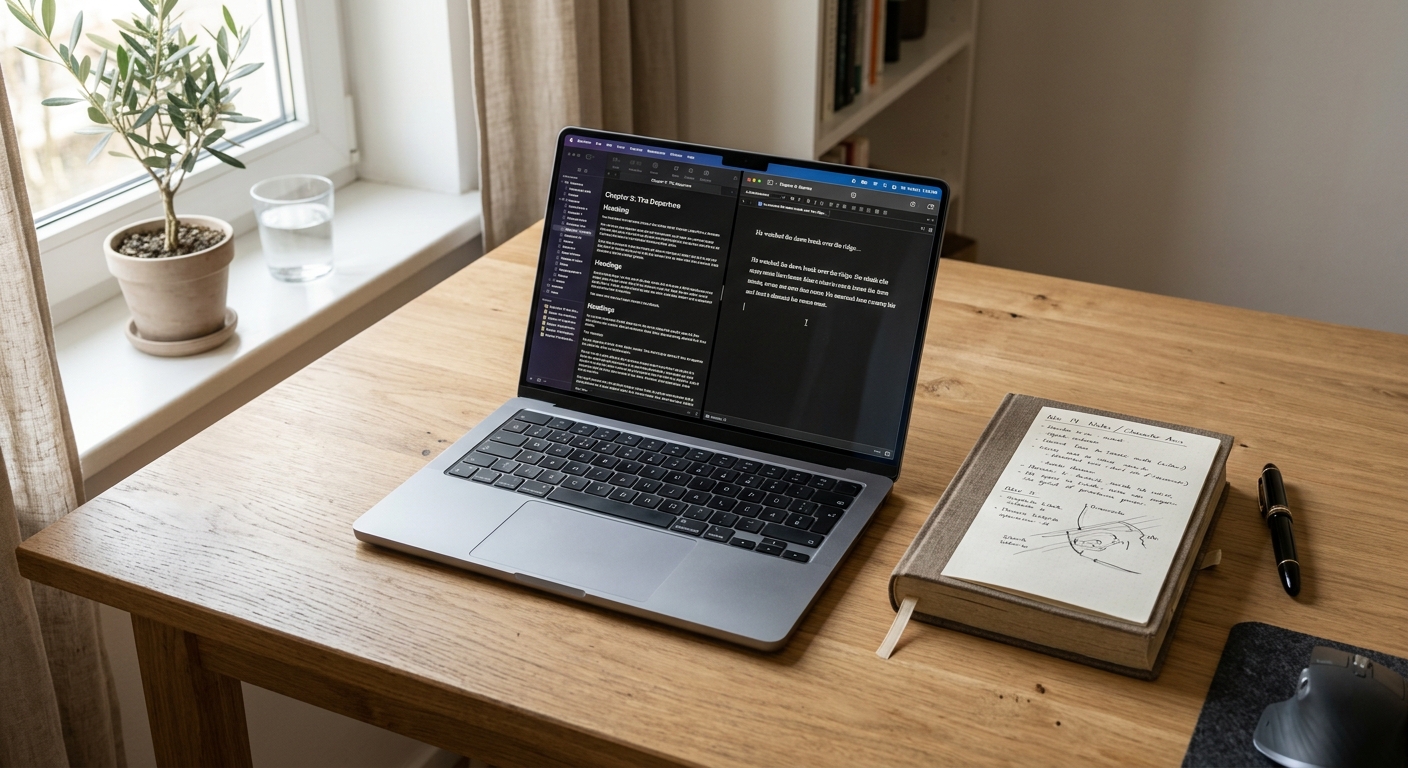
I have always been obsessed with the weight of a physical book in my hand. There is a specific feedback when you flip through five hundred pages of a hardcover. You can feel the density of the ideas by the way the spine resists being opened. In the digital world, we lose that tactile feedback, but we still deal with the weight of information. When we talk about Claude vs ChatGPT for long form writing, we are really talking about the affordance of a digital container. How much can it hold before it starts to spill over? How does it handle the seams between a rough outline and a polished manuscript?
If you have ever tried to write a ten thousand word report or a full length novel using AI, you have felt the friction. It is the moment the AI forgets a character name from chapter one or loses the thread of the argument you built in the introduction. As a product designer, I look at these tools not just as text generators, but as workspaces. We need to look at the legibility of the output and the mental model the tool imposes on us.
What it is
Claude and ChatGPT are the two heavyweights in the generative AI space, but they offer very different writing experiences. Claude, specifically the Claude 3.5 Sonnet model by Anthropic, is built with a focus on safety and constitutional AI. From a design perspective, its primary affordance is its massive context window. It can hold up to 200,000 tokens, which is roughly 150,000 words. This is the equivalent of a thick technical manual or a sprawling epic fantasy novel. You can find more about their latest updates on the Anthropic Claude 3.5 Sonnet announcement page.
ChatGPT, powered by the GPT-4o model from OpenAI, takes a different approach. It has a context window of 128,000 tokens. While smaller than Claude, it is still substantial. However, the mental model of ChatGPT is more about versatility. It wants to be your assistant, your coder, and your researcher all at once. You can see how they positioned this model on the OpenAI GPT-4o page.
To understand how they stack up for long form work, we need to look at the technical constraints that define their behavior.
| Feature | Claude 3.5 Sonnet | ChatGPT (GPT-4o) |
|---|---|---|
| Context Window | 200,000 tokens | 128,000 tokens |
| Writing Interface | Artifacts | Canvas |
| Tone Defaults | Descriptive and Nuanced | Concise and Direct |
| File Support | Large PDF/Text uploads | Multi-modal (Image/Voice/Text) |
| Pricing | $20/month Pro | $20/month Plus |
What works
Claude excels at the craft of prose. When I use Claude for long form writing, I notice a distinct lack of the robotic cadence that often plagues AI text. It avoids the repetitive sentence structures that make readers tune out. It feels like it understands the rhythm of a paragraph. In design terms, Claude has a higher degree of narrative legibility. It keeps the thread of a complex argument alive across thousands of words without requiring constant reminders. This makes it ideal for repurposing long form content with AI where maintaining the original intent is critical.
One of the best design choices Anthropic made is the Artifacts feature. When you ask Claude to write a long document, it does not just dump text into the chat window. It opens a dedicated side panel. This creates a clear seam between the conversation and the work. It allows you to stay in a flow state because you are not constantly scrolling back up to find the prompt you used three minutes ago.
ChatGPT, on the other hand, is a master of structure. If you give ChatGPT a messy pile of notes, it is incredibly good at finding the heuristic that connects them. It builds outlines that are logically sound and easy to follow. The new Canvas feature is OpenAI's response to the need for a dedicated writing space. It allows you to highlight specific sections of text and ask for edits, much like how GitHub Copilot allows developers to refactor specific blocks of code. This reduces the friction of the editing process. Instead of copy-pasting the whole document back and forth, you can iterate on a single paragraph in place.

What does not
Despite the large context windows, both tools suffer from what I call context drift. As the conversation gets longer, the AI begins to prioritize the most recent instructions over the initial ones. It is a common flaw in the mental model of these systems. They are optimized for the 'now' rather than the 'whole.'
Claude can sometimes be too cautious. Its safety filters can trigger on benign topics if they involve conflict or sensitive historical contexts. This creates a jarring interruption in the creative process. You are trying to write a dramatic scene, and suddenly the tool refuses to participate. This is a significant friction point for fiction writers or journalists covering heavy topics.
ChatGPT has a different problem. It loves a specific type of corporate jargon. Even if you tell it to be casual, it often slips back into using words like 'comprehensive' and 'pivotal.' It has a tendency to summarize every single response with a concluding paragraph that starts with 'In conclusion' or 'Ultimately.' For long form writing, this is a disaster. It breaks the immersion of the reader and makes the text feel mass-produced. If you are using Notion AI vs Obsidian AI for product teams, you might notice these stylistic tics even more when they are embedded in your knowledge base.
The unsaid tradeoff
The unsaid tradeoff in the Claude vs ChatGPT debate is the balance between creativity and control. Claude is a better writer, but ChatGPT is a better collaborator.
When you use Claude, you are often accepting its vision of the prose. It is harder to steer Claude into a very specific, rigid format because it prefers to follow the natural flow of the language. When you use ChatGPT, you have more control over the individual components. You can use a tool like Zapier to feed ChatGPT specific data points and expect it to stick to the facts with high fidelity.
There is also the matter of cost and rate limits. Writing a long form piece requires many iterations. Claude Pro has relatively strict message limits that can be hit quickly if you are doing heavy editing. ChatGPT Plus tends to be more generous with its message caps for the GPT-4o model. This is a practical artifact of how these companies manage their compute resources. If your workflow involves constant back and forth, the friction of hitting a rate limit can kill your momentum.
Who should use it
Choosing between these two comes down to the specific nature of your artifact.
-
Use Claude if you are writing something where the 'voice' matters. If you are working on a memoir, a deep dive essay, or a narrative driven white paper, Claude 3.5 Sonnet is the superior choice. Its ability to maintain a consistent tone and its spacious 200,000 token window make it feel like a true writing partner. The Artifacts UI is a better design for people who think in documents rather than chat bubbles.
-
Use ChatGPT if you are writing something technical or highly structured. If you need to generate a series of interconnected blog posts, a technical manual with strict formatting, or if you need to use multi-modal features like analyzing a chart to write a report, ChatGPT is the way to go. The Canvas interface is excellent for the granular editing that technical writing requires.
In my own practice, I often find myself moving between the two. I might use ChatGPT to build the structural skeleton of a project because it follows instructions with surgical precision. Then, I move that skeleton into Claude to put meat on the bones. I use Make to automate the movement of these drafts between my research folders and my writing environment.
Writing is a messy, human process. No AI can replace the spark of an original idea, but these tools can certainly help manage the weight of the words. The goal is to find the tool that minimizes friction and allows you to stay in that elusive flow state for as long as possible.


