
Last month, we had a flaky integration that triggered 40,000 logs per minute. Our ELK stack started applying backpressure, and the dashboard froze. We couldn't even run a simple grep without the terminal hanging. This is why standard log management fails at scale. When you are shipping code to millions of users, logs aren't just data, they are a liability if you can't filter the noise.
I've seen teams throw more compute at the problem, but that just increases the bill. The real fix is changing how we process the data. AI for log analysis at scale isn't about letting a bot write your code. It is about using machine learning to handle the high-cardinality mess that humans shouldn't have to touch.
Why this list
Most advice on AI for logs is marketing fluff. They promise a magic button that fixes your production incident. That doesn't exist. If it did, I'd be out of a job. This list focuses on what actually works in a high-traffic environment where a 1% error rate means thousands of angry customers.
We need tools that help us identify a regression before the rollback window closes. We need ways to summarize an incident without spending four hours in a post-mortem meeting. And we need to do it without blowing the budget on token costs. Logs are the first thing we look at during an incident, but they are often the hardest to parse when the pressure is on. This guide is based on what we actually use in the trenches.
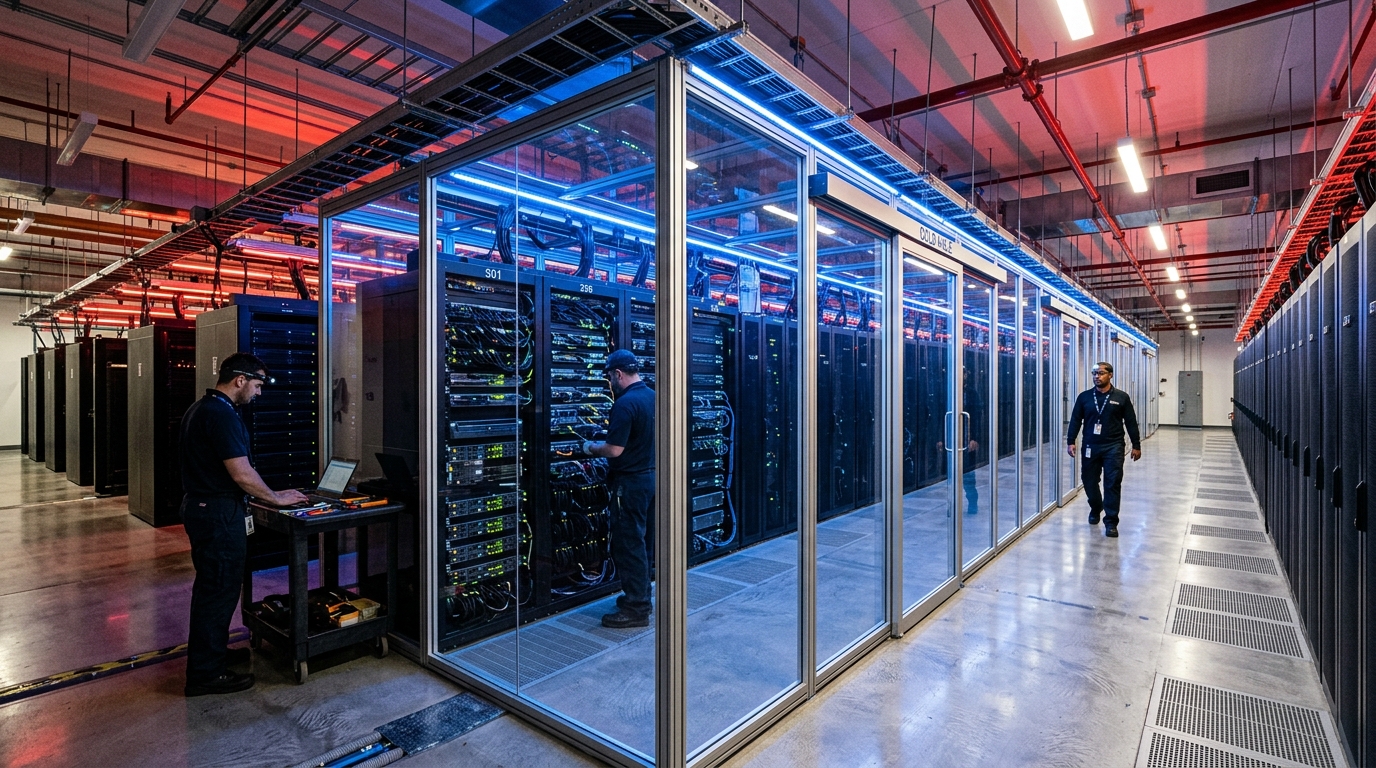
1. Automated Pattern Clustering and Deduplication
The biggest problem with scale is redundancy. If a service goes down, you don't get one error log. You get one million identical error logs. If you are manually searching through that, you are wasting time. AI clustering takes those million lines and collapses them into a single pattern.
Take this standard log output as an example:
2024-05-20 14:23:01 ERROR user_id=123 failed to connect to db at 10.0.0.1
2024-05-20 14:23:02 ERROR user_id=456 failed to connect to db at 10.0.0.1
2024-05-20 14:23:05 ERROR user_id=789 failed to connect to db at 10.0.0.1
A basic regex might catch this, but what happens when the error message changes slightly across different versions of a library? AI-based clustering uses distance algorithms to group these together even when the strings aren't a 100% match. You can see how LogParser handles these scenarios using various heuristic and ML models.
The tradeoff here is accuracy. Sometimes the AI groups two different root causes into the same cluster because they look similar. You have to tune your similarity threshold. If you set it too high, you still have too much noise. If you set it too low, you might miss a critical distinction between a database timeout and a permission error.
2. Semantic Search and Root Cause Research
Traditional log search relies on exact matches or wildcards. If you don't know the exact error string, you're stuck. Semantic search uses embeddings to find logs that are 'conceptually' similar to what you are looking for.
When I'm dealing with a cryptic error code from a third-party API, I don't just search our logs. I use Perplexity, an AI search engine with cited answers, to cross-reference that error code with public documentation and GitHub issues. It is much faster than standard Google search because it summarizes the relevant parts of the docs.
Inside our own stack, we use semantic search to find similar incidents from six months ago. If the current log says 'Failed to initialize buffer', semantic search can surface a previous incident where the root cause was a kernel version mismatch, even if the old log used different wording. This reduces the time to resolution during a high-priority incident.
| Search Type | Mechanism | Best For |
|---|---|---|
| Grep | String matching | Known error strings |
| Regex | Pattern matching | Structured log fields |
| Semantic | Vector embeddings | Unknown root causes |

3. Real-time PII and Sensitive Data Redaction
Shipping PII (Personally Identifiable Information) to your log aggregator is a great way to fail a compliance audit or cause a security incident. At scale, it is impossible to catch every developer who accidentally logs a user's email or a JWT.
We use AI models at the edge to scan log streams for patterns that look like sensitive data. Unlike static regex, which misses things like 'email: [at] rivera.com', an AI model can understand the context of the log line. This is a critical part of a technical audit when you're designing new systems.
The tradeoff is latency. Running an inference model on every log line as it passes through your collector adds milliseconds. If you have a high-throughput system, you might need to sample the logs or run the redaction asynchronously, which means there is a small window where sensitive data is exposed in the raw stream.
4. Automated Incident Summary and Documentation
Nobody likes writing the post-mortem. After you've spent six hours fixing a regression and performing a rollback, the last thing you want to do is sit down and write a report. But if you don't, the team won't learn, and you'll have the same incident next month.
We use Copy.ai, an AI copywriting and content automation tool, to help draft these reports. We feed it the raw timeline of logs and the Slack transcript from the incident channel. It produces a structured draft that includes the impact, the root cause, and the resolution steps.
It isn't perfect. It often misses the nuance of why a specific fix was chosen. But it gets the document 80% of the way there. You can read about our similar experiences in our post-mortem of failed automation. It is much easier to edit a draft than to start with a blank page. It keeps the documentation process consistent across different teams.
5. Dynamic Dashboard Generation
When a new type of incident hits, your existing Grafana dashboards are usually useless. You need a new view that correlates specific metrics with the new logs you're seeing. Instead of spending an hour fiddling with JSON or UI builders, we've started using v0, which is an AI-powered UI component generator by Vercel.
While v0 is mostly for frontend components, it is surprisingly good at generating the structure for custom internal tools. We can describe the type of log visualization we need, and it generates a React component that we can drop into our internal admin panel. This allows us to build 'disposable' dashboards for specific incidents. Once the incident is over, we don't need to maintain the dashboard, we just ship the fix and move on.
What to try first
Don't try to automate everything at once. If you're struggling with log volume, start with pattern clustering. It provides the most immediate value with the least amount of risk. You can use open-source tools to see how your logs group together without sending any data to a third-party LLM.
If your goal is faster incident response, start using Perplexity for your research. It is a low-friction way to see how AI can improve your workflow without needing to change your infrastructure.
Logs are a record of what your system actually did, not what you intended it to do. AI for log analysis at scale is just another tool in the observability stack. It won't replace your senior engineers, but it will stop them from spending their lives grepping through 4TB of text files. Check out this guide on optimizing log management costs for more on the financial side of things. Ultimately, the goal is to spend less time looking at logs and more time shipping features.


