
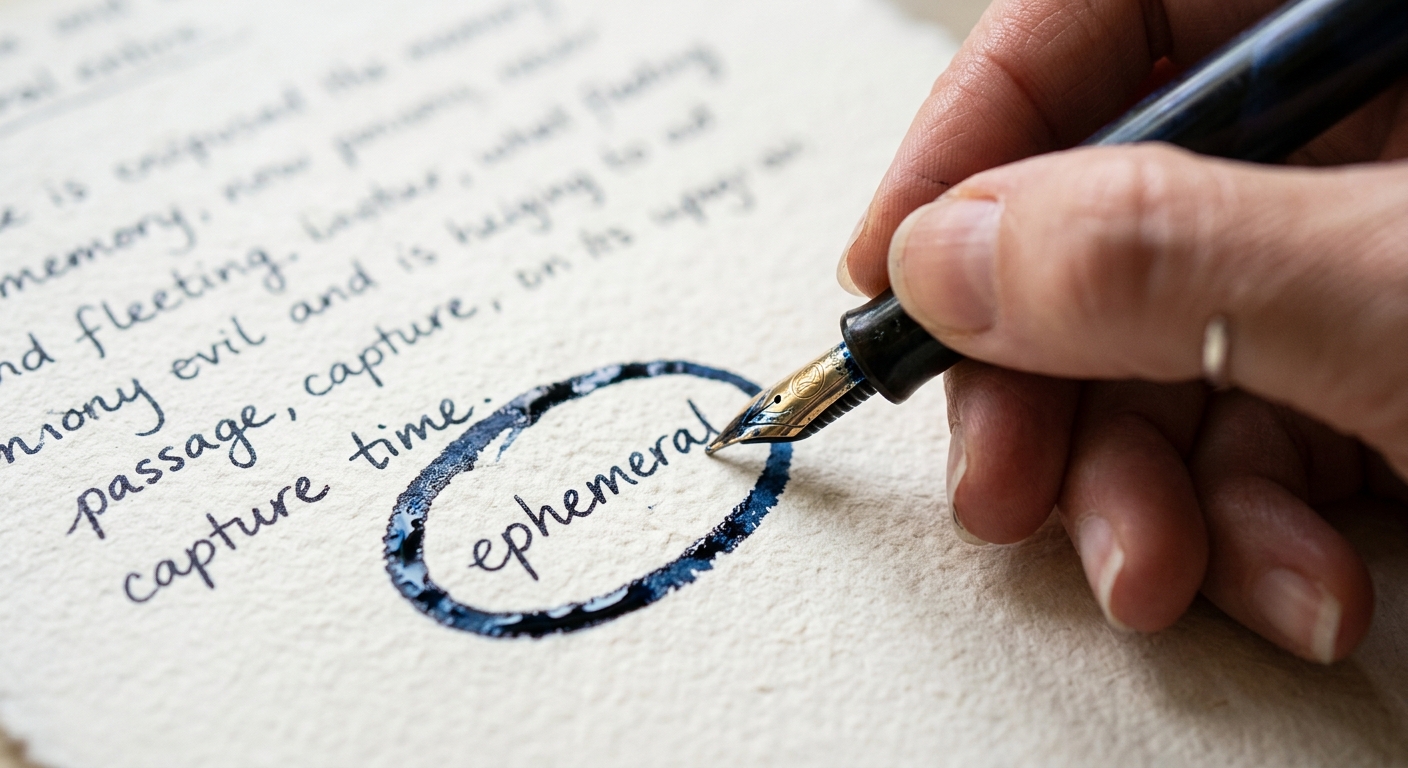
I have a physical notebook on my desk with a spine so worn it barely holds the pages together. When I look back at notes from three years ago, I do not see a transcript. I see a circled word. I see an arrow pointing from a feature idea to a budget constraint. I see the friction of a difficult conversation captured in a jagged underline. This is the difference between a record and an artifact.
Most people use AI to record meetings, but very few use it to create useful artifacts. We have all been there. You finish a long design review, and five minutes later, a bot drops a 2,000 word summary into Slack. It is a chronological play-by-play that tells you who spoke when, but it fails to tell you why any of it matters. It lacks legibility. It treats a casual check-in with the same weight as a board-level pivot.
If you want ai meeting summaries that are actually useful, you have to stop treating the AI as a secretary and start treating it as a filter. You need to design the seams between the spoken word and the final decision.
The short answer
The short answer is that useful AI summaries are not generated by default settings. They are the result of a decision-first architecture. Instead of asking for a summary, you must provide a system prompt that filters for a specific governance framework, like the DACI framework. A useful summary ignores the small talk and focuses on the four horsemen of project momentum: Decisions made, Actions assigned, Conflicts unresolved, and Information shared.
For most teams, the best approach is to use a high-quality transcription engine like OpenAI Whisper and pipe that raw text into a model like Claude 3.5 Sonnet with a custom prompt. This allows you to control the mental model of the output. If you are looking for a tool that handles the specific friction of ecommerce data, something like Selzee shows how specialized AI agents can monitor health and inventory without you needing to manually summarize every Slack thread.
How they differ
There is a fundamental difference in how tools approach the meeting artifact. Most off-the-shelf bots use a generic summarization heuristic. They look for frequency of keywords. If the word 'button' is mentioned twenty times, the summary will say 'The team discussed buttons.' This is useless for a product designer.
A decision-first approach looks for the seam where a choice was made. It identifies the moment a stakeholder said 'I approve' or 'We cannot do that.'
Another major difference lies in how these tools handle the 'hybrid office' problem. In a room with four people and one microphone, speaker diarization often breaks. The AI might attribute a designer's critique to the product manager. Useful tools allow for a human-in-the-loop workflow where you can quickly verify a claim against the transcript without re-watching the video. You should be able to click a summary bullet and jump to the exact three-second window in the audio where that decision was made.
Finally, we have the output format. A giant block of text has high friction. A useful summary uses markdown to create visual hierarchy. It uses bold headers, task lists, and perhaps most importantly, it formats the output for the destination. A summary for an executive board session needs to look different than a summary for a 1:1 coaching session. One requires a high-level risk assessment. The other requires a focus on sentiment and growth areas.
Head-to-head table
| Feature | Standard AI Bots (Otter, Fireflies) | Custom Prompt Architecture (Claude/GPT) | Multi-Session Knowledge Engines |
|---|---|---|---|
| Primary Mental Model | Chronological Recap | Filtered Decision Logic | Cross-Meeting Trends |
| Prompt Control | Limited / Templates | Full System Prompt Access | Automated Thematic Analysis |
| Diarization Accuracy | High in remote, Low in hybrid | Dependent on raw transcript quality | High (uses historical voice data) |
| Visual Hierarchy | Standard Paragraphs | Custom Markdown / Slack-ready | Dashboard / Wiki-style |
| Human-in-the-loop | Built-in player | Requires custom UI or Claude Code | Advanced verification links |
When to pick each
If you are a solo freelancer just trying to remember what a client said about a color hex code, a standard bot is fine. The friction of setting up a custom workflow is not worth the payoff.
However, if you are managing a product with multiple moving parts, you need the custom prompt approach. This is where you can implement technical prompt engineering for different meeting archetypes. For a 1:1 coaching session, your prompt should look for 'emotional cues' and 'career blockers.' For an executive board session, the prompt should ignore everything except 'budget approvals' and 'strategic risks.' This level of specificity is what makes a summary actually useful.
You also have to consider the long-term knowledge engine. If you are working on a multi-session project timeline, you need a way to identify recurring themes. Did the client complain about the navigation in three separate meetings? A standard summary will tell you they complained today. A cross-meeting analysis will tell you they have been complaining for a month, but the team has not logged an action item to fix it. This identifies the seams that are falling apart in your process.
When it comes to formatting, think about the affordance of the tool you use for communication. If your team lives in Microsoft Teams or Slack, your AI output should be optimized for those screens. This means avoiding long sentences and using code blocks for technical decisions. When I use Claude vs ChatGPT for Long Form Writing, I notice that Claude tends to follow structural instructions more closely, which is vital for maintaining that visual hierarchy.
Verdict
The verdict is clear. For ai meeting summaries that are actually useful, the winner is a Custom Prompt Architecture using a Decision-First framework.
Do not let a bot decide what was important about your hour-long brainstorm. Use a system prompt that forces the AI to categorize information into a DACI or similar governance model. This transforms the meeting from a static post-call document into a live artifact that feeds into your broader AI Workflow Stack for 2026.
To make this work, you must manage speaker diarization errors manually in high-crosstalk environments. Never trust the AI's attribution blindly. Always ensure there is a direct link from the summary bullet back to the transcript timestamp. This reduces the friction of verification and ensures that 'useful' does not become 'misleading.'
Meetings are often where the craft of design meets the reality of business. The summaries we keep should reflect that tension, not smooth it over with a generic, AI-generated polish. Look for the small things. The unresolved questions. The subtle shifts in direction. That is where the real value lives.


