
There is a specific sound a pair of high-quality fabric shears makes when they glide through silk. It is a crisp, satisfying hiss. In the physical world, the quality of your tools determines the friction of your craft. As a product designer, I spend my days looking for that same lack of friction in digital interfaces. I look for the places where the tool disappears and the work just happens.
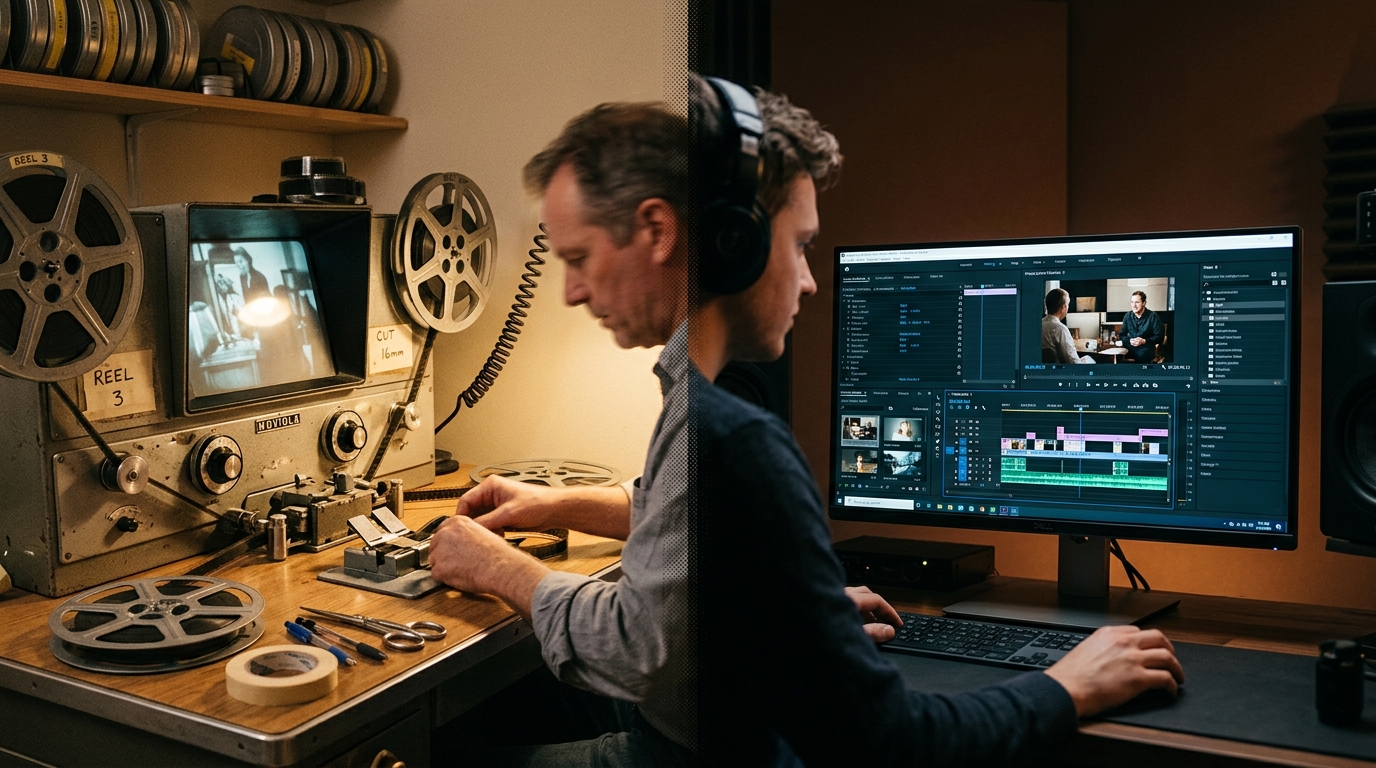
For years, the video editing process has felt more like using a blunt pair of kitchen scissors to cut lace. You spend hours scrubbing through timelines, hunting for a single frame, and fighting with keyframes. The seams between your vision and the actual artifact are often thick and messy. But the recent shift toward a modern ai video editing workflow is changing that. We are moving away from manual pixel-pushing and toward a more intent-based way of working.
The short answer
If you want the most efficient ai video editing workflow right now, you need to decide if you are creating something brand new or refining existing footage. For generating entirely new scenes from text or images, Runway is the clear leader. It allows you to bypass the traditional filming stage entirely. For editors who already have footage and need to clean up the narrative, Descript or Adobe Premiere Pro with its new AI features are better choices.
However, the real power lies in the flow state you can achieve when you combine these tools with automation. By using Copy.ai to generate your scripts and n8n to move assets between folders, you remove the administrative friction that usually kills a creative project.
How they differ
To understand these tools, we have to look at their affordance. In design, an affordance is a quality of an object that tells you how to use it. A door handle affords pulling. A button affords pushing. In an ai video editing workflow, different tools afford different mental models.
The Generative Model: Runway
Runway treats video like clay. You are not just cutting pieces of a pre-existing ribbon. You are molding pixels out of nothing. With their Gen-2 and Gen-3 Alpha models, the artifact is created through a dialogue between the user and the machine. You provide a prompt, and the AI provides the motion. The friction here is not in the technical execution, but in the precision of the prompt. It is a high-creativity, low-manual-labor approach. This is particularly useful when you need b-roll that doesn't exist or when you want to experiment with visual styles that would be too expensive to film. You might find my thoughts on Midjourney vs DALL-E for Product Design helpful here, as the prompting logic is quite similar.
The Text-Based Model: Descript
Descript changes the legibility of the video timeline. Instead of looking at waves of audio and blocks of color, you look at a transcript. If you delete a word in the text, it deletes the video segment. This aligns the mental model of editing a video with the mental model of editing a blog post. It removes the seam between the spoken word and the visual frame. For creators who do a lot of interviews or talking-head content, this is a massive heuristic improvement over traditional methods.
The Assistive Model: Adobe Premiere Pro
Adobe is taking a different path. They are adding AI features into a traditional, professional interface. Features like Enhance Speech or Text-Based Editing are designed to reduce the small, annoying tasks that clutter an editor's day. It is an evolutionary approach rather than a revolutionary one. It respects the existing flow state of professional editors while removing the tedious parts.
Head-to-head table
When choosing where to invest your time, it helps to see the trade-offs in a structured way. This table looks at the core components of an ai video editing workflow across the top contenders.
| Feature | Runway | Descript | Premiere Pro (AI) |
|---|---|---|---|
| Primary Mental Model | Generative (Text-to-Video) | Document-based (Text-to-Edit) | Timeline-based (Assistive) |
| Best For | Conceptual b-roll, VFX | Social clips, Podcasts | Professional films, Long-form |
| Pricing (Pro) | $12/month per user | $24/month per user | $22.99/month |
| Learning Curve | Low (Prompting focus) | Low (Editing text) | High (Full NLE) |
| Script Integration | Minimal | Built-in text editor | Integrated via plugins |
| Export Quality | Up to 4K (Gen-3) | 4K | Industry Standard (8K+) |
When to pick each
Choosing the right tool is about identifying where your specific friction points are.
Pick Runway when you have a gap in your visual narrative. If you are building a product demo and realize you need a shot of someone using a phone in a coffee shop, you do not need to hire a model. You can generate that artifact in minutes. It is perfect for filling the seams in a project where traditional production is impossible. You can start your process by using Copy.ai to draft a script, then use Runway to visualize the key beats.
Pick Descript when the message is more important than the cinematic flair. If you are producing educational content or internal company updates, legibility is your main goal. You want the viewer to understand the information quickly. Descript allows you to edit for clarity without getting bogged down in the technical details of a timeline. It is the closest thing we have to an automated transcription and editing loop. You can even use it to tighten up your brand voice, much like the strategies discussed in AI for UI copywriting: 5 ways to tighten your product voice.
Pick Adobe Premiere Pro when you need total control. Sometimes, the AI makes choices that do not fit the specific aesthetic you are going for. In those cases, you need the manual overrides that only a full non-linear editor (NLE) provides. Premiere allows you to use AI for the heavy lifting (like color matching or audio cleanup) while you keep your hands on the steering wheel for the final creative decisions.
The Role of Workflow Automation
An ai video editing workflow is not just about the editor itself. It is about how the data flows between tools. In my work, I look at the handoffs between teams. A scriptwriter might finish a draft in a tool like Copy.ai. That script then needs to be turned into a voiceover, then into a rough cut, then into a final render.
Each of these handoffs is a potential source of friction. You can use a tool like n8n to bridge these gaps. For example, you could set up a workflow where dropping a finished script into a Google Drive folder triggers an automated process that generates a summary, creates a set of image prompts for Runway, and notifies the editor in Slack.
Here is a simple example of what a JSON structure for an automated node might look like in such a workflow:
{
 "action": "generate_video_prompts",
 "input": "script_content",
 "parameters": {
 "style": "cinematic",
 "aspect_ratio": "16:9",
 "model": "runway-gen-3"
 },
 "output_destination": "slack_channel_creative"
}
By automating these small steps, you protect the flow state of the creative team. They no longer have to worry about the plumbing. They can focus on the craft.
Verdict
The ultimate ai video editing workflow for 2024 is a hybrid one.
For most creators and small teams, I recommend starting with Descript for the initial cut. It is the most intuitive way to shape a story. Once the narrative is solid, use Runway to generate any missing visual elements or to add high-end effects that would normally require a specialist. This combination offers the best balance of speed and creative flexibility.
If you are working at an agency scale, you will likely need to integrate these tools into a more rigid pipeline using n8n to ensure consistency across multiple projects. The goal is always the same. We want to reduce the friction between the idea in our heads and the video on the screen.
We are finally reaching a point where the digital shears are as sharp as the physical ones. The seams are becoming invisible. Whether you are using GitHub Copilot to write custom scripts for your editing software or using Runway to dream up new worlds, the focus is back where it belongs. It is back on the story you are trying to tell, not the buttons you have to click to tell it.


