
We had an incident last Tuesday where a payment service rollback failed because of a mismatched schema in a Crossplane managed resource. It took forty minutes to realize the issue wasn't the code, but a provider-specific field that had changed in the latest version of the operator. That is forty minutes of downtime that could have been five if we had a structured way to parse the event noise.
Most people think using ai for kubernetes troubleshooting means pasting a bunch of logs into a chat window. That is a security risk and a context nightmare. If you send your raw secrets or PII to a public endpoint, you're creating a bigger problem than a failing pod. This guide covers how to build a pipeline that redacts sensitive data, adds cluster context, and integrates with your GitOps flow for actual remediation.
What you will have at the end
By the end of this tutorial, you will have a workflow that captures Kubernetes events and logs, redacts sensitive information, and uses an LLM to suggest a fix. This fix won't be applied blindly. You will have a human-in-the-loop validation step that pushes a suggested patch to a GitOps repository.
This approach avoids the common pitfall of AI-generated 'hallucinations' where the model suggests a flag that doesn't exist in your version of Kubernetes. We're currently targeting Kubernetes 1.30 and Istio 1.22 for this workflow.
Prerequisites
Before you start, ensure you have the following components ready:
- A running Kubernetes cluster (v1.26+) with
kubectlconfigured. - An API key for a reasoning model. I recommend the OpenAI API for GPT-4o or Claude for 3.5 Sonnet because of their superior handling of structured YAML.
- Python 3.10 or higher for the redaction script.
- Access to a Git repository where your cluster manifests are stored (e.g., GitHub or GitLab).
Step 1: Data Masking and PII Redaction
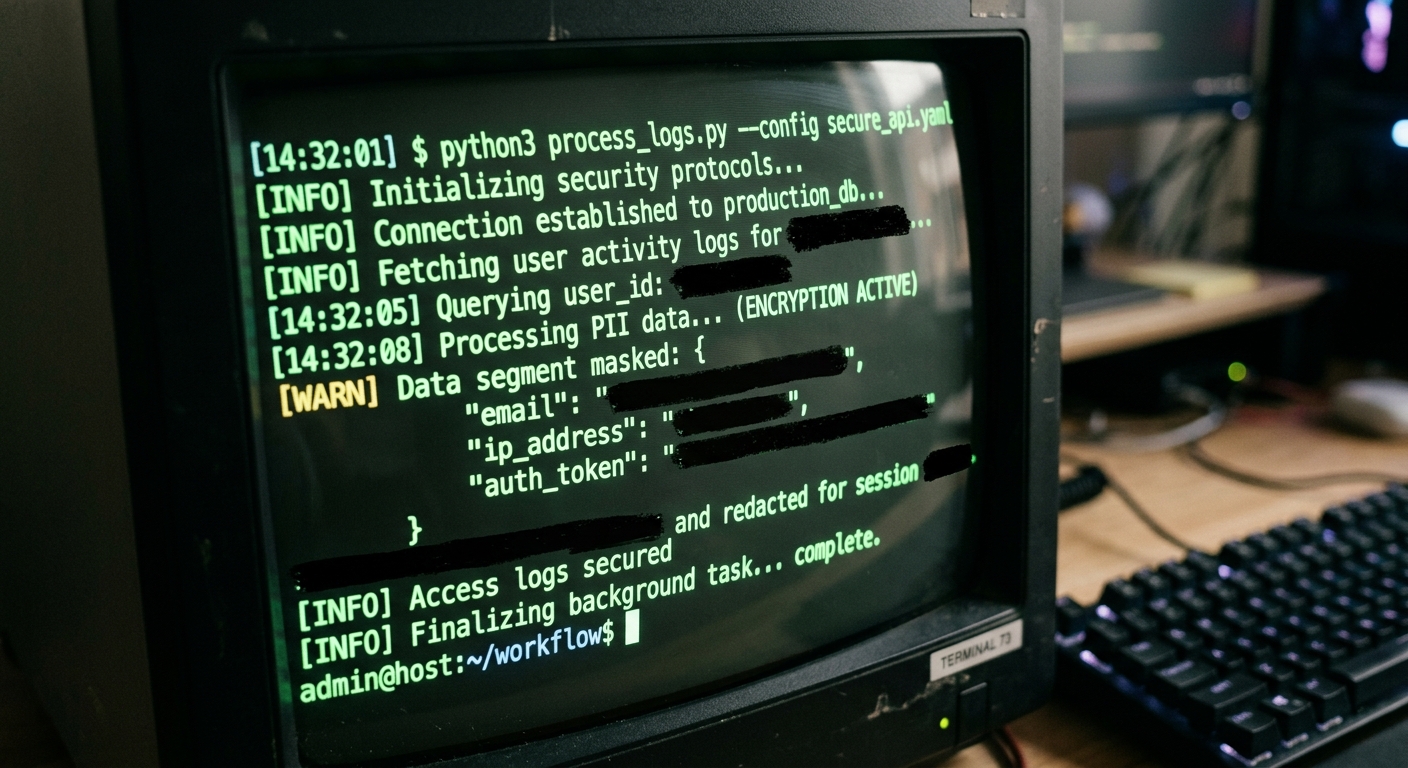
Sending raw logs to an external AI is a fast way to fail a compliance audit. You need to strip out IP addresses, auth tokens, and database connection strings. We will use a basic regex-based masker. It's not perfect, but it handles 90% of common leaks.
Create a script named redact.py to process your log stream:
import re
import sys

def redact_logs(text):
 # Redact IPv4 addresses
 text = re.sub(r'\d{1,3}\.\d{1,3}\.\d{1,3}\.\d{1,3}', '[IP_REDACTED]', text)
 # Redact AWS Access Keys
 text = re.sub(r'AKIA[0-9A-Z]{16}', '[AWS_KEY_REDACTED]', text)
 # Redact potential Bearer tokens
 text = re.sub(r'Bearer\s+[A-Za-z0-9\-\._~\+\/]+=*', 'Bearer [TOKEN_REDACTED]', text)
 return text

if __name__ == "__main__":
 for line in sys.stdin:
 sys.stdout.write(redact_logs(line))
You can pipe your logs through this before they ever leave your local machine or secure environment:
kubectl logs payment-gateway-v2 | python3 redact.py > sanitized_logs.txt
Step 2: Context Injection and LLM Analysis
An LLM needs more than just a stack trace. It needs to know about the state of the cluster. If a pod is failing, is it because the node is under pressure? Is there a backpressure issue?
I prefer using a structured prompt that includes the output of kubectl get events and the description of the failing resource. This is where the cost comes in. Large clusters generate thousands of events. If you send everything, your token count will skyrocket.
| Model | Input Price (per 1M tokens) | Reliability | Recommended Use |
|---|---|---|---|
| GPT-4o | $5.00 | High | Production Incidents |
| Claude 3.5 Sonnet | $3.00 | Very High | Complex CRD Analysis |
| GPT-3.5 Turbo | $0.50 | Low | Simple Log Summarization |
For a single incident, you might use 15,000 tokens. At GPT-4o prices, that is about $0.10. If you have a flaky test suite or a noisy staging environment, this adds up. Always limit the scope to a specific namespace.
To automate this, use a script that gathers context from Kubernetes Events and sends it to the OpenAI API.
# Gather context
NAMESPACE="production"
POD_NAME="payment-gateway-v2"

{
 echo "Analyze this K8s failure. Suggest a YAML patch.";
 kubectl describe pod $POD_NAME -n $NAMESPACE;
 kubectl logs $POD_NAME -n $NAMESPACE --tail=50 | python3 redact.py;
 kubectl get events -n $NAMESPACE --sort-by='.lastTimestamp' | tail -n 20;
} > context.txt
Step 3: GitOps Integration and Human Validation
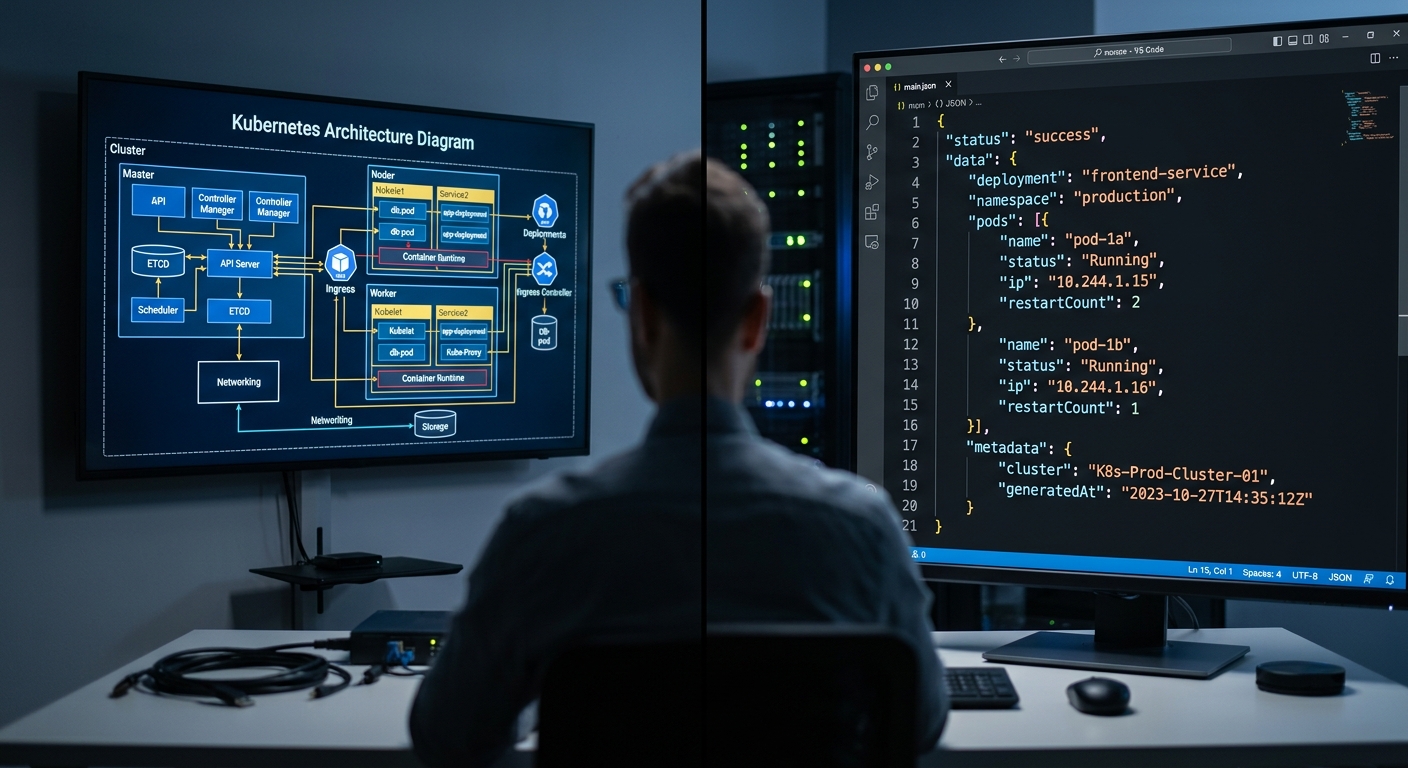
Never let an AI apply a fix directly to your cluster. I have seen models suggest deleting the kube-system namespace to 'clear up resource contention.'
Instead, the AI should generate a pull request. If you use a tool like Supabase, you can store the history of these suggestions and their outcomes in a vector database. This lets you see if the AI is making the same mistake repeatedly.
If you are evaluating different approaches to building these helper tools, you might find our Bolt vs Lovable vs Replit comparison useful for understanding the ROI of different development platforms.
Your pipeline should follow this flow:
- AI analyzes
context.txt. - AI generates a
patch.yaml. - A CI/CD runner creates a new branch in your GitOps repo.
- The runner commits the
patch.yamland opens a PR. - A human engineer reviews the diff and merges it.
This maintains the 'source of truth' in Git and ensures no 'shadow ops' are happening behind the scenes. It also provides a clear post-mortem trail.
Troubleshooting
When using ai for kubernetes troubleshooting, you will eventually hit these common issues:
- Token Limits: If your logs are huge, the LLM will truncate them. Use a 'map-reduce' approach where you summarize logs in chunks before the final analysis.
- Hallucinated API Versions: The AI might suggest
extensions/v1beta1for an Ingress, which was deprecated years ago. Explicitly tell the AI your Kubernetes version in the system prompt. - Missing CRD Context: If you use Istio or Crossplane, the AI won't know your specific Custom Resource Definitions. You must provide the CRD schema or a sample of a working resource.
- Stale Data: If you're checking for external outages, Grok can be helpful for checking if a cloud provider is having a regional issue that hasn't hit their official status page yet.
For a deeper look at how these tools stack up against each other, see our AI Ops Tools Comparison.
Next steps
To test your new pipeline, intentionally break a deployment in a sandbox namespace.
- Change a container image to one that doesn't exist.
- Run your context gathering script.
- Verify that the AI correctly identifies the
ImagePullBackOfferror. - Check the
redact.pyoutput to ensure no internal registry credentials were leaked in the prompt.
Once the basics are working, consider integrating Surfer SEO principles into your internal documentation. Just as that tool helps you find the right keywords for visibility, a well-structured internal knowledge base makes it easier for AI to find the right solutions for your specific infrastructure patterns.


