
# The code that caused our last 2 AM incident
response = llm.complete("Extract the dollar amount from this string: 'Total: $45.00'")
# Expected: 45.00. Got: "The total amount is $45.00."
Last month, a junior dev on my team shipped a sentiment analysis feature. Instead of using a simple word-match library or a basic classifier, they wrapped a call to a high-end LLM. Two days later, we had a major incident. The API provider had a spike in latency, our request queue filled up, and the backpressure took down the entire checkout service. All of this happened because we used a non-deterministic, expensive, and slow tool for a task that required 10 lines of Python.
AI is not a default. It is a tradeoff. When you use an LLM, you are trading away speed, cost, and predictability for the ability to handle messy inputs. Often, that tradeoff is a bad deal. If your input has a known structure, or if your output needs to be 100% consistent, AI is the wrong tool. This post is a guide on how to audit your features and remove the flaky AI wrappers that should have been deterministic code.
What you will have at the end
By following this process, you will have a clear framework for deciding when to kill an AI feature. You will also have a template for replacing an LLM call with a deterministic function and a strategy for shipping that change without causing a regression.
Prerequisites
Before you start ripping out code, you need a few things in place:
- Observability: You need to see the latency and cost of your current AI calls. If you are not logging token usage and execution time, you are flying blind.
- A testing suite: You cannot prove a replacement is better if you do not have a baseline for what 'correct' looks like.
- A feature flag system: Never swap an LLM for a regex in a single, massive deployment. You need to roll it out slowly.

Step 1: Identify non-deterministic bottlenecks
The first step is to find where AI is causing friction. Look at your post-mortem reports. Are there incidents where 'the AI just got it wrong' for a simple case? Look at your observability dashboards. Find the highest latency endpoints. If an endpoint takes 2 seconds and 1.9 seconds of that is an LLM call, you have a candidate for removal.
Common signs that AI is the wrong tool:
- The output needs to follow a strict schema (JSON/XML) every single time.
- The task is a simple transformation, like date formatting or currency extraction.
- You are using AI to search for exact keywords.
- The cost of the API calls is higher than the value the feature provides.
For example, using Fireflies.ai makes sense for meeting analysis because human speech is unstructured and unpredictable. But using an LLM to decide if a user clicked a 'Yes' or 'No' button in a chat interface is a waste of resources.
Step 2: Replace AI with deterministic logic
Once you have identified a candidate, write the replacement. This usually involves moving from a 'vibe-based' prompt to a rule-based function.
Consider this comparison of a classification task:
| Feature | AI Implementation | Deterministic Implementation |
|---|---|---|
| Latency | 500ms to 3000ms | 1ms to 5ms |
| Cost | $0.01 per 1k tokens | $0.00 (Local CPU) |
| Reliability | Flaky (hallucinations) | 100% (unit testable) |
| Maintenance | Prompt engineering | Standard code review |
If you are doing text search, stop using embeddings for everything. A standard Postgres full-text search index is often faster and more accurate for specific keyword matching. You can set this up easily in Supabase without needing a complex vector pipeline. Check the official Postgres documentation on text search for implementation details.
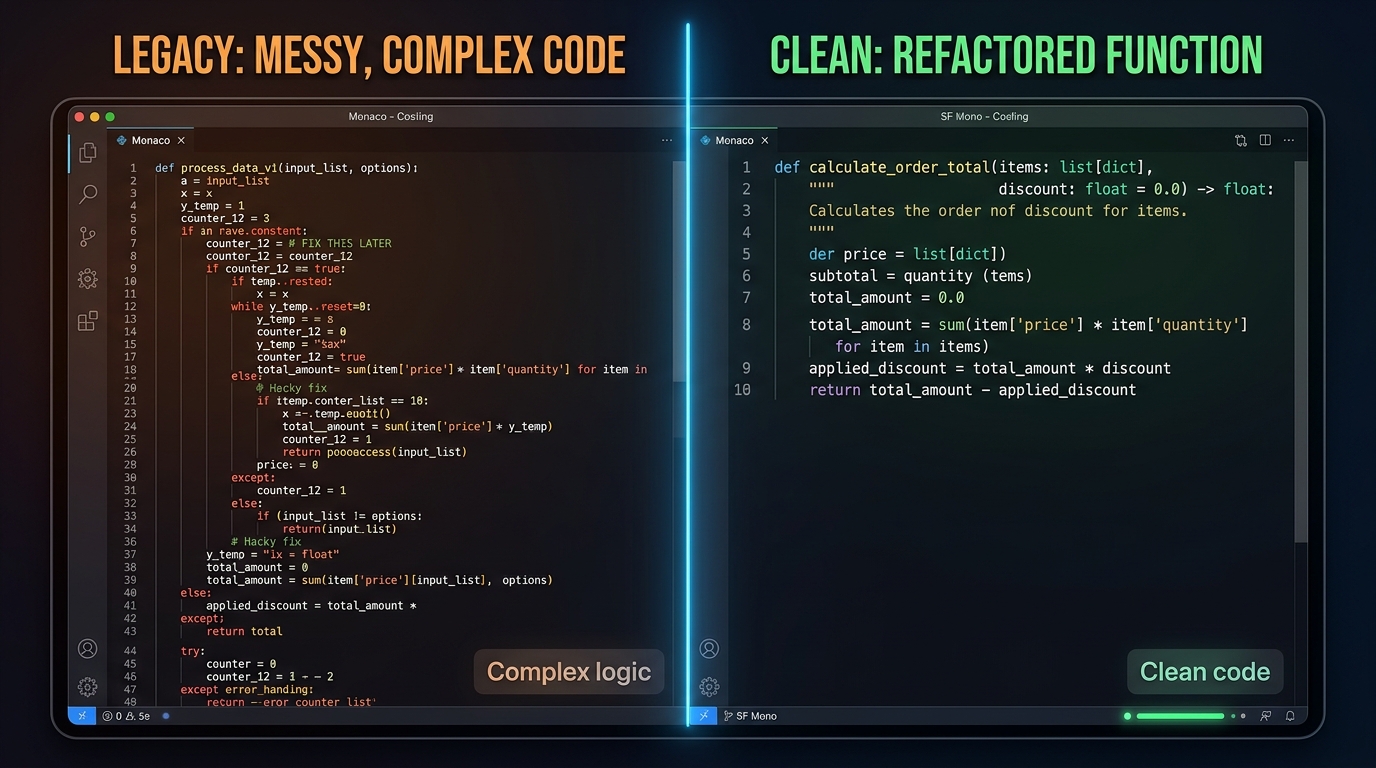
Let's look at a concrete refactor. If you have an LLM trying to categorize support tickets, you might replace it with a simple keyword scoring system.
# New deterministic classifier
def classify_ticket(text):
 text = text.lower()
 categories = {
 "billing": ["invoice", "charge", "refund", "payment"],
 "technical": ["bug", "error", "crash", "api"],
 "access": ["password", "login", "account"]
 }

 for category, keywords in categories.items():
 if any(word in text for word in keywords):
 return category
 return "general"
This code is boring. It is also fast, free, and will never tell a customer that their refund was denied because of a 'hallucination' in the prompt context.
Step 3: Ship the rollback behind a feature flag
Do not just delete the AI code. You need to verify that the deterministic version handles the edge cases. Use a feature flag to run both versions in parallel. This is often called 'shadowing'.
- Keep the AI call running.
- Run your new deterministic function on the same input.
- Log both results to your observability platform.
- Compare the results. If the deterministic function matches the AI output 99% of the time, and the 1% difference is actually the AI being wrong, you are ready to ship.
If you are using a tool like Windsurf to manage your agentic flows, you can use its context awareness to help you find all the places where a specific LLM call is used across your repository. This makes the refactor much less painful and reduces the risk of a regression in a forgotten corner of the codebase.
Troubleshooting
What happens if your deterministic version is significantly worse? This is common when the input data is truly messy. In that case, you have a few options:
- Hybrid approach: Use the deterministic function first. If it returns 'general' or 'unknown', then and only then, call the LLM. This reduces your cost and latency for the majority of users.
- Pre-processing: Use a simpler, cheaper model to clean the data before it hits your main logic.
- Input validation: Sometimes the problem is not the AI, but the fact that you are allowing garbage input into your system. Tighten your API schemas.
If you find that your tests are flaky after removing the AI, it usually means your deterministic logic is missing a branch. Add the failing case to your unit tests and update the function. This is standard engineering. It is much easier to debug a nested if-statement than a 'temperature' setting in an LLM config.
Next steps
After you have successfully removed unnecessary AI from your hot paths, you should document the 'why' in a post-mortem or a technical RFC. Explain the latency wins and the cost savings. This helps set a culture where AI is used for hard problems, not as a lazy substitute for writing code.
For those who are building complex workflows where AI actually adds value, check out our teardown of AI Tools for Podcasters: A Teardown of the Modular Workflow. It shows where heavy-duty AI processing makes sense and where it is just overhead.
You should also look into reliable system design patterns to ensure that when you do use AI, it does not take down your whole stack when an API times out. Use timeouts, retries, and circuit breakers. AI is a dependency like any other, treat it with the same skepticism you would give a third-party library from an unknown maintainer.


