
Last week, I spent three hours debugging a race condition that Copilot suggested during a late night session. I blindly accepted a suggestion for an atomic update that was not actually atomic in our specific Postgres configuration. It was a classic regression that observability caught twenty minutes after we decided to ship to production.
# The 'helpful' suggestion that caused the incident
def increment_balance(account_id, amount):
 account = Account.objects.get(id=account_id)
 account.balance += amount # Not thread-safe
 account.save()
If you are a staff engineer, you do not need more autocomplete. You need better context. Copilot is fine for boilerplate, but it falls apart when you are navigating a microservices architecture or trying to refactor a legacy monolith. I have spent the last few months testing GitHub Copilot alternatives that actually work in a professional environment without making my life harder.
Why this list
Most lists of AI tools are written by people who do not actually have to maintain code in production. They see a cool demo and call it a win. I am looking for tools that reduce cognitive load, not tools that force me to spend more time in a post-mortem.
Copilot has a context problem. It often misses the broader intent of a PR or the specific constraints of a library version. The tools below were chosen because they solve for context, latency, or autonomy in ways that the current market leader does not. I have used these in real workflows, and they have stayed in my stack because they do not feel like a flaky toy.
1. Cursor: The Fork That Gets It
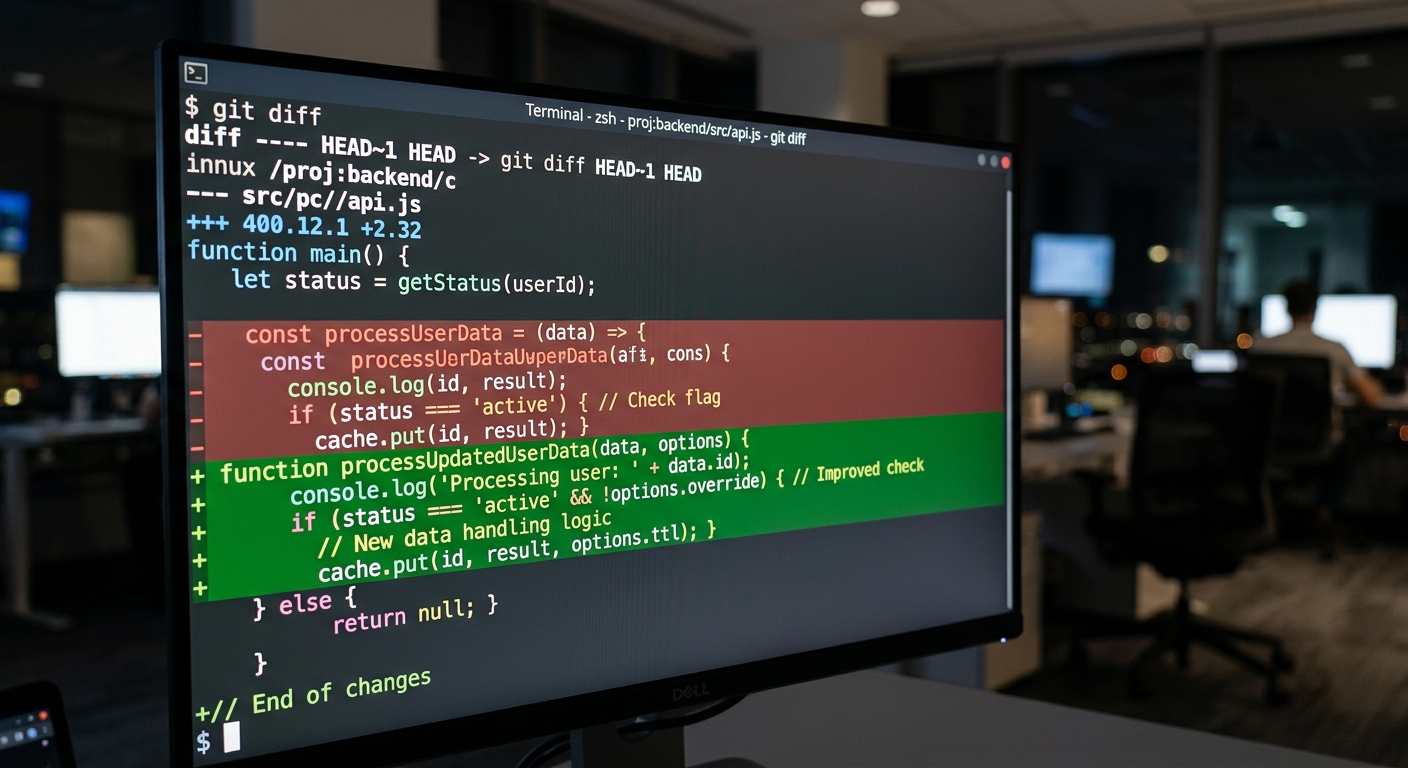
Cursor is not a plugin. It is a fork of VS Code. This is a significant distinction because it allows the tool to index your entire codebase locally. When I ask Cursor to refactor a service, it knows about the interface definitions in another directory. It does not just look at the open tabs.
I recently used it to migrate an internal API from REST to gRPC. A standard plugin would have hallucinated the proto definitions. Cursor indexed the .proto files and suggested the correct implementation for the service handlers. The tradeoff here is that you have to switch IDEs. If you have a heavily customized VS Code setup, the migration is easy, but it is still another piece of software to manage.
For a deeper look at how to handle these kinds of tasks, see my guide on using AI for code refactoring.
2. Claude via OpenRouter
I have largely stopped using GPT-4 for complex reasoning. Claude is more reliable for architectural decisions and finding logic flaws. Specifically, Claude 3.5 Sonnet has a level of nuance that feels more like a senior reviewer and less like a marketing bot.
To keep things efficient, I use OpenRouter, which is a unified API gateway for 100+ AI models. This allows me to swap between different versions of Claude or even Llama 3 models without changing my local configuration.
When I am dealing with backpressure issues in our message queue, I pipe the logs and the relevant worker code into Claude. It is the only model that consistently identifies when a retry logic is missing an exponential backoff.
| Feature | Copilot | Claude (via OpenRouter) |
|---|---|---|
| Context Window | Limited | 200k+ tokens |
| Reasoning | Mid-tier | High (Staff level) |
| Latency | Low | Medium |
| Cost | Fixed $10/mo | Pay-per-token |
3. Devin: The Autonomous Option
Devin is what happens when you stop thinking about AI as a co-pilot and start thinking about it as a junior engineer. It is an autonomous AI software engineer that can plan and execute complex tasks.
I tested Devin by giving it a flaky test suite that had been bothering the team for weeks. I did not want to spend my Saturday on it. I gave Devin access to the repo and the CI logs. It identified the non-deterministic behavior in our mock database, wrote a fix, and verified it across ten consecutive runs.
It is not perfect. It can still get stuck in loops if the environment setup is too complex. But as a tool for offloading the 'chore' tickets that clutter the backlog, it is the only autonomous agent that has actually shipped code to our staging environment. You can read more about the tool at /tools/devin.
4. Supermaven: For the Latency Obsessed
If your biggest gripe with Copilot is the lag between typing and the suggestion appearing, Supermaven is the answer. They built their own custom architecture with a 1-million-token context window.
In my experience, the speed of Supermaven is unmatched. It feels like the code is already there. For large scale refactors where you are moving thousands of lines of code, that 1M token window means it remembers the first file you changed while you are working on the last one. It reduces the frequency of those 'I forgot what we were doing' hallucinations that happen with smaller context windows.
5. Continue: Local and Open Source
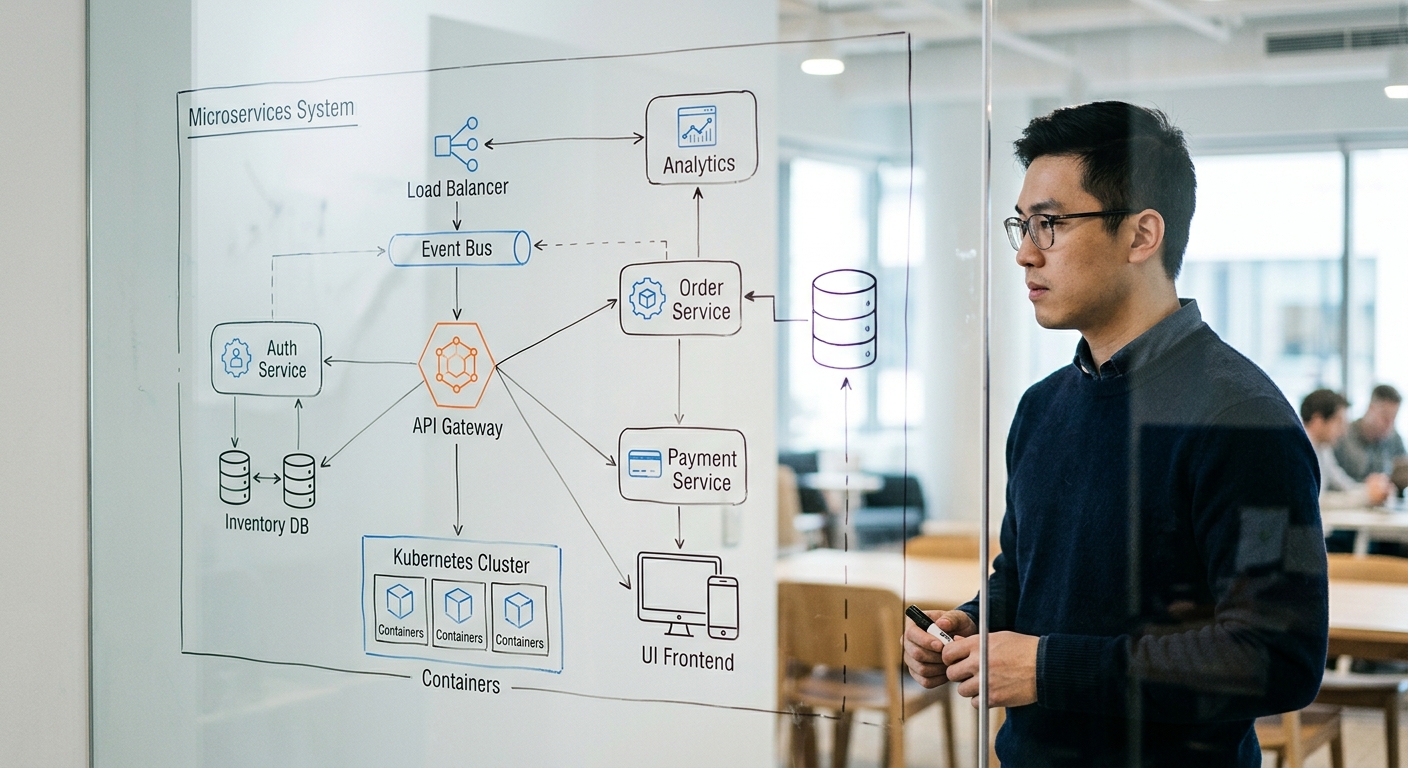
For teams with strict compliance requirements who cannot send code to a third party, Continue is the best framework. It is an open-source IDE extension that lets you plug in any LLM.
I use it with Ollama to run models locally on my machine. When I am working on sensitive parts of our auth service, I do not want those snippets leaving the local network. Continue allows me to use the same interface I am used to while keeping the data on-prem.
It requires more setup than Copilot. You have to manage your own model weights and handle the hardware requirements. But for observability and control, it is the clear winner. If you do go this route, be careful about the 'blind trust' trap I discussed in my post-mortem on AI generated code.
What to try first
If you are currently frustrated with Copilot, do not go and buy five new subscriptions. Start with Cursor. It is the lowest friction move because it feels like VS Code but actually understands your project structure.
If you find yourself arguing with the AI about logic, stop using the autocomplete and start using Claude via OpenRouter for high-level reasoning. Autocomplete is for syntax; Claude is for systems.
Every tool in this list has a tradeoff. Some cost more, some require a different IDE, and some require you to manage your own API keys. But they all solve the fundamental problem of the Copilot era: we do not need more code, we need better code. Stop accepting every suggestion. Check the logic. Verify the atomic operations. And for the love of everything, make sure your feature flag is actually enabled before you blame the AI for a failed rollout.


