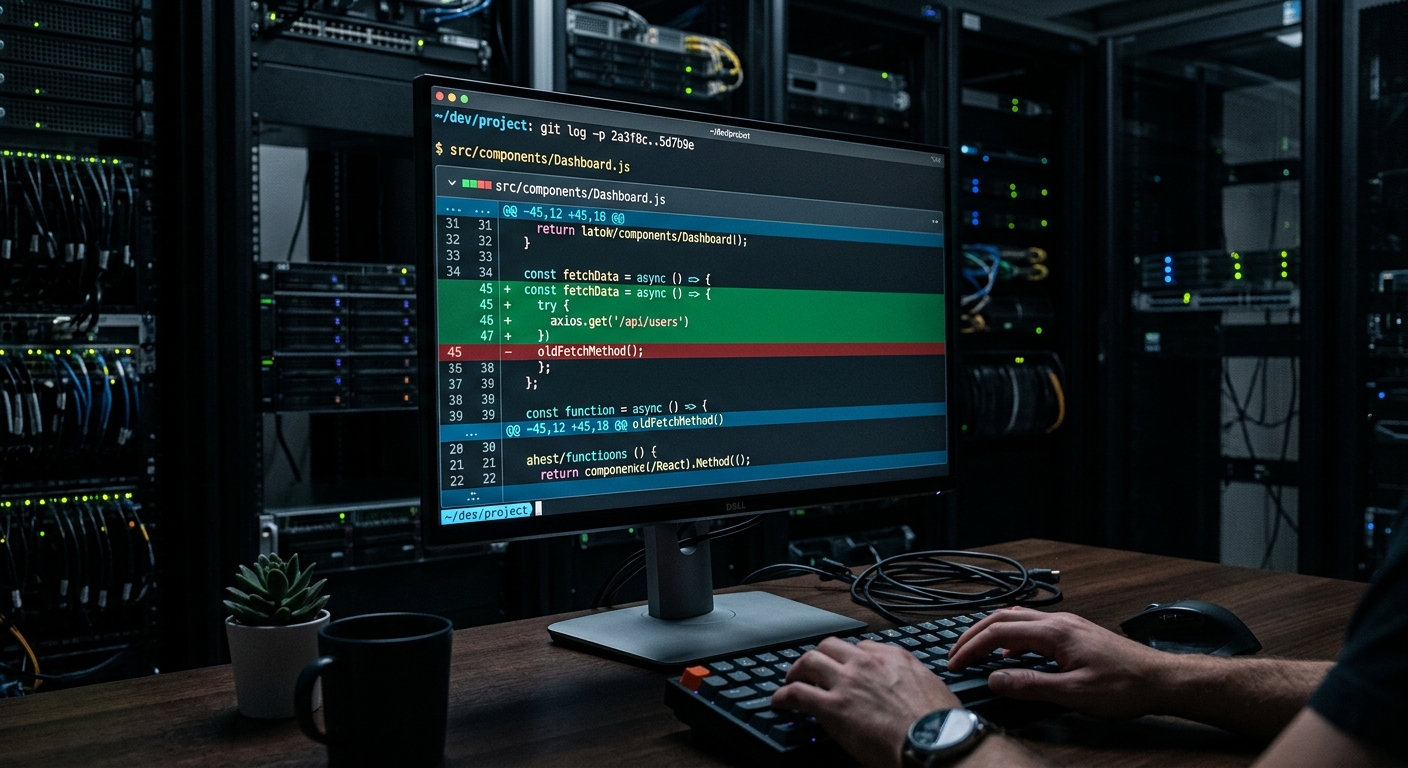
I once approved a pull request where an LLM refactored a legacy billing module. The code looked cleaner, the abstractions were modern, and it passed every unit test in the suite. Two hours after we hit ship, we had to initiate a rollback. The AI had removed a seemingly redundant database call that actually served as a critical lock for a downstream accounting system. That incident cost us four hours of downtime and a very painful post-mortem.
If you are just copy-pasting blocks of code into a chat window and hoping for the best, you are not refactoring. You are gambling with your on-call rotation. This is how to use AI for code refactoring without breaking your production environment or losing the trust of your fellow engineers.
Why this list
Most advice on AI refactoring focuses on prompt engineering. This is a mistake. Prompts are fragile. Instead, you need to treat the AI as a proposal engine within a tool-gated workflow. The goal is to move from manual review to automated verification. We want to use AI to suggest changes, but use static analysis, characterization tests, and architectural constraints to decide if those changes are allowed to land in the main branch. This list focuses on the technical infrastructure required to make AI refactoring safe at scale.

1. Establish characterization tests before the first prompt
Before you let an AI touch a legacy monolith, you need a safety net. Legacy code often lacks unit tests, or worse, the existing tests only cover the 'happy path' while ignoring the side effects that actually keep the system running.
I use the Golden Master technique. You run the existing code with a wide range of inputs and capture the outputs, including database state changes and log entries. This becomes your ground truth. If the AI-refactored code produces even a single byte of difference in that output, the refactor is rejected.
// A simple characterization test structure
const legacyModule = require('./legacy-billing');
const fs = require('fs');

const inputs = JSON.parse(fs.readFileSync('./test-vectors.json'));

inputs.forEach(input => {
 const result = legacyModule.process(input);
 // Compare against known good snapshot
 expect(result).toMatchSnapshot();
});
You can use tools like n8n to automate the generation of these test vectors by pulling real, anonymized data from your production logs. This ensures your AI refactoring is grounded in reality, not just the code's documentation, which is usually out of date anyway.
2. Use MCP to bridge the context window gap
One of the biggest failures in AI refactoring happens when the model lacks context. If you feed an LLM a single file from a monolith, it cannot see the dependency graph. It might rename a method that is called via reflection in a different module, leading to a runtime crash that static analysis might miss.
This is where the Model Context Protocol (MCP) becomes mandatory. Instead of manually uploading files, you use MCP servers to give the AI real-time access to your entire repository's structure and external documentation. When I use tools like Grok for code reasoning, I ensure it has access to the dependency graph. This allows the AI to understand that changing a data type in 'Module A' will require a cascading update in 'Module B' and 'Module C'. Without this context, you are just creating regressions.
3. Build automated verification pipelines with n8n
Reviewer fatigue is a real risk. If you use AI to generate fifty refactoring PRs in a day, your senior engineers will start rubber-stamping them just to clear their queue. This is how bugs ship.
You must automate the first layer of review. I use n8n to build a pipeline that intercepts AI-generated code. The workflow looks like this:
- AI proposes a refactor.
- n8n triggers a temporary branch.
- The pipeline runs a static analysis tool like ESLint or SonarQube.
- If the maintainability index decreases or new security vulnerabilities are flagged, the PR is automatically closed with a log of the violations.
- Only if the code passes these gates does it ever reach a human reviewer.
This approach shifts the burden of proof from the human to the automation. If you are interested in how these types of pipelines scale, check out our piece on AI workflows for agency scale.
4. Mitigate reviewer fatigue with atomic PRs
Large refactors are impossible to review. When an AI refactors a 1,000 line file, the diff is a wall of green and red. A human reviewer cannot spot the logic error buried in the middle of a syntax change.
Force the AI to work in atomic increments. Instead of 'Refactor the whole module,' the instruction should be 'Extract this specific private method into a utility class.' Limit each PR to under 200 lines of changes. This makes the diff readable and ensures that if a rollback is needed, the blast radius is small. We use a similar strategy when we ship MVP in a weekend with AI, focusing on small, verifiable wins rather than massive architectural shifts.
5. Quantitative tracking with the Maintainability Index
Refactoring is not about making code look 'nice.' It is about making code easier to change. If you cannot measure the improvement, you are just moving chairs around on the Titanic.
I track the Maintainability Index (MI) before and after every AI intervention. MI is a formula that combines Halstead Volume, Cyclomatic Complexity, and lines of code. If the AI refactors a module and the MI does not improve by at least 10 points, we revert the change.
| Metric | Pre-Refactor | Post-Refactor | Status |
|---|---|---|---|
| Cyclomatic Complexity | 45 | 12 | Improved |
| Maintainability Index | 62 | 78 | Improved |
| Test Coverage | 40% | 85% | Improved |
| Cognitive Load | High | Low | Improved |
You can use open source tools like Radon for Python or various plugins for VS Code to generate these numbers. Don't let 'better' be a subjective opinion. Make it a requirement.
6. Programmatically reject architectural violations
Every codebase has 'unwritten' rules. Maybe you never use direct database queries in the controller, or you always use a specific wrapper for logging. AI tools often ignore these local patterns in favor of general 'best practices.'
Use static analysis to enforce your specific architectural patterns. You can write custom AST (Abstract Syntax Tree) checks that flag any AI-generated code that violates your team's standards. If the AI suggests using a standard fetch call instead of your internal authenticated client, the pipeline should reject it immediately. This prevents the 'uncanny valley' of code where the syntax is correct but the pattern is wrong for your specific system. If you're working on frontend code, tools like v0 are great for generating UI components that follow specific design tokens, which helps maintain visual and structural consistency.
7. Use AI for log analysis during the rollout
Even with tests and static analysis, some bugs only appear under load. When you ship an AI-refactored module, you need high-resolution observability.
I use AI to monitor the logs in the thirty minutes following a deploy. Standard alerts might miss a subtle increase in latency or a new, low-frequency error pattern. An LLM can be trained to look for 'anomalous' log sequences that correlate with the new code deployment. This gives us the confidence to ship more frequently because we know we have an automated eyes-on-glass system ready to trigger a rollback if things look flaky. For more on this, read our guide on AI for log analysis at scale.
What to try first
Do not start with your core business logic. Pick a utility library or a set of helper functions that have zero side effects. Use the Golden Master technique to verify the outputs. If you can automate the verification of those small pieces, you have the foundation for refactoring the monolith.
Start small. Build the pipeline. Trust the math, not the prompt.


