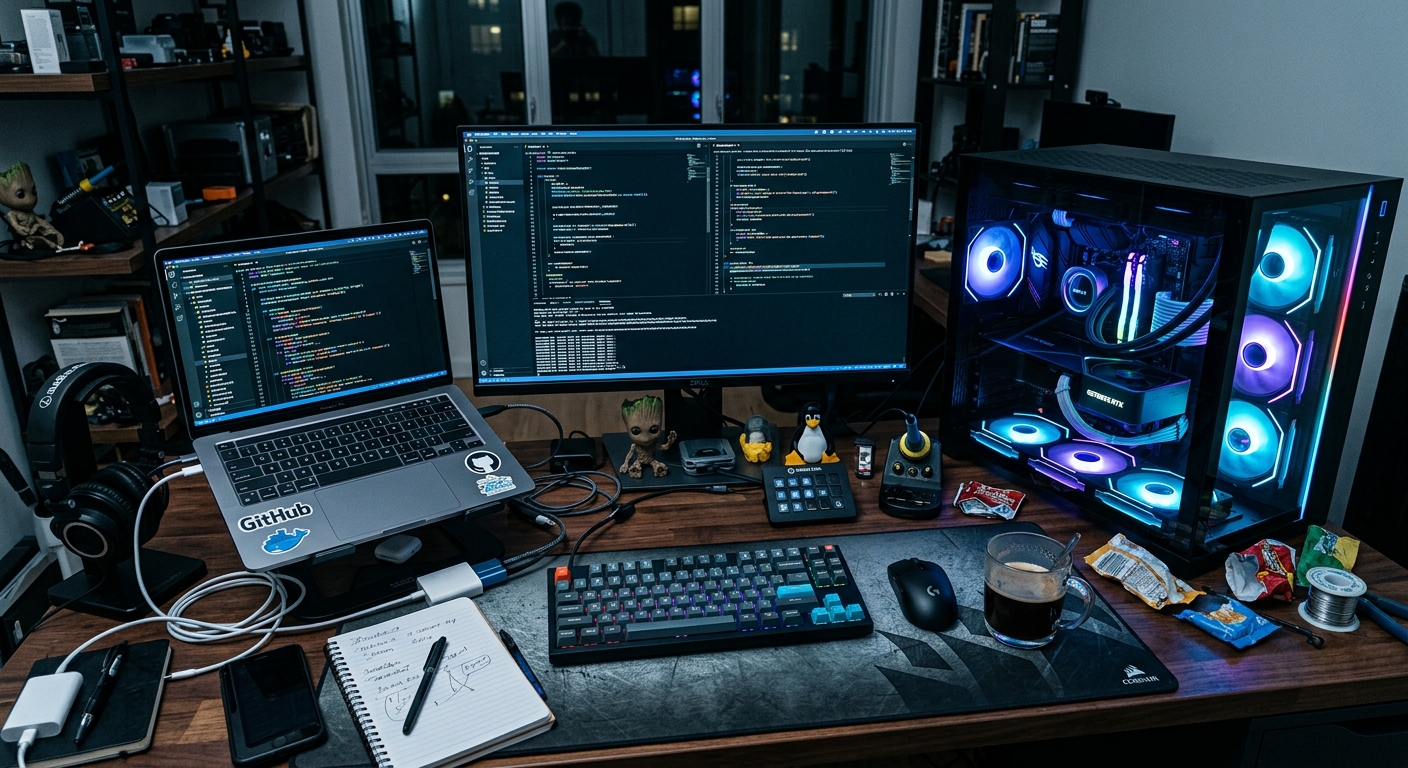
I spent 40 hours trying to make my IDE local, only to realize I was building a space heater.
# The command that started the experiment
ollama run llama3:70b --verbose
The goal was simple. We wanted to move away from GitHub Copilot for our core internal services to ensure zero data retention and zero external calls. As a staff engineer, my job is to weigh the privacy gains against the developer experience. We shipped a local-first pilot to 10 engineers. We rolled it back 48 hours later.
The problem
Cloud-based LLMs are fast because they run on clusters of H100s that cost more than my house. When you try to replicate that experience by running local LLMs for coding on a laptop, you hit a wall of physics. Our team was reporting significant latency. A standard autocomplete suggestion that takes 200ms on a cloud provider was taking 3 to 5 seconds locally.
That delay is a productivity killer. It breaks the flow state. It introduces backpressure into the development cycle. If an engineer has to wait for the LLM to catch up with their typing, they stop using the tool. We also saw a spike in flaky behavior from the IDE plugins. The connection between the local inference engine and the editor would frequently time out because the system was under too much memory pressure.
We were also worried about code quality. Smaller models like Llama 3 8B are fast, but they struggle with complex refactoring tasks. We've already discussed the risks of Testing AI Generated Code: A Post-Mortem on Blind Trust, and local models only amplify these risks if they aren't large enough to understand the context of a 500-line service file.
What we tried first
We started with the high-end hardware we already had: MacBook Pro M3 Max machines with 128GB of unified memory. On paper, this should handle a 70B parameter model. We used Ollama as the inference engine because it is easy to set up and has a decent API.
To manage the workflows, we used n8n to automate the benchmarking. We piped every request and response into a local Postgres instance to track tokens per second (TPS) and total latency. We also used Otter.ai to record and transcribe our daily standups during the pilot to capture qualitative feedback from the team without making them write long reports.
We tested three main configurations:
- Llama 3 8B (Q8_0 quantization) for autocomplete.
- Llama 3 70B (Q4_K_M quantization) for complex refactoring.
- CodeLlama 34B as a middle ground.
What broke
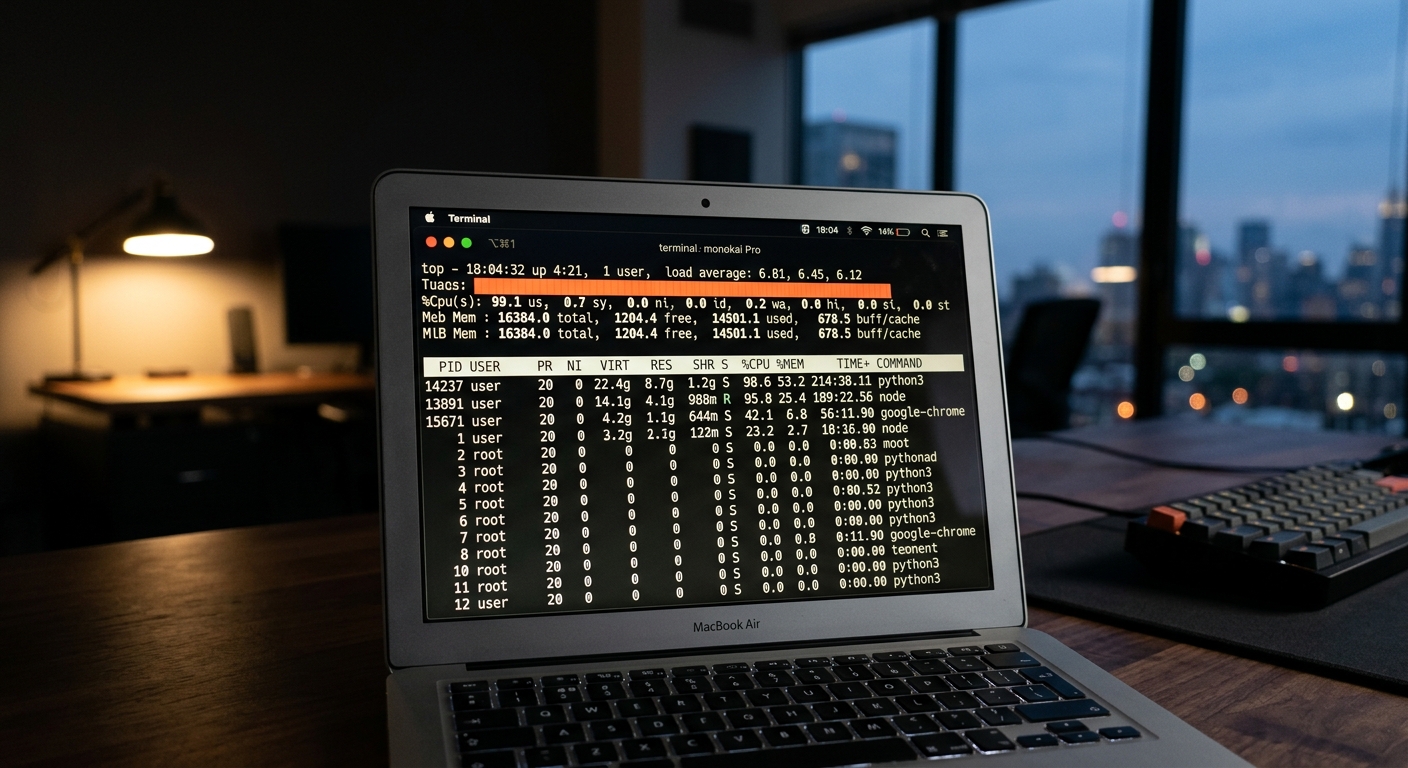
The first thing that broke was the thermal ceiling. Running a 70B model locally keeps the GPU and CPU at 90% utilization. The fans on the MacBooks sounded like jet engines. After an hour of coding, the machines would thermal throttle, and the TPS would drop from 4.5 to 1.2.
Then there was the memory swap issue. Even with 128GB of RAM, running a large model plus Docker, Slack, Chrome, and an IDE like Windsurf pushed the system into the red. The OS started swapping to the SSD. This didn't just slow down the LLM. It made the entire computer lag. Typing in the terminal had a visible delay.
| Model | Quantization | Avg. Tokens/Sec | Peak Memory (GB) | Latency (ms) |
|---|---|---|---|---|
| Llama 3 8B | Q8_0 | 25.4 | 9.2 | 450 |
| Llama 3 70B | Q4_K_M | 3.1 | 42.5 | 4200 |
| CodeLlama 34B | Q5_K_M | 8.2 | 24.8 | 1800 |
| Groq (Cloud) | Llama 3 70B | 280.0 | N/A | 120 |
As the table shows, the local 70B model is an order of magnitude slower than a specialized inference service like Groq. When we tried to use the 70B model for How to use AI for code refactoring: A staff engineer's guide, it took nearly 2 minutes to process a complex class. That is not a win. It is a regression in our workflow.
The fix
We realized that running local LLMs for coding on individual laptops is a fool's errand for anything larger than 8B parameters. The fix was to move inference off the local machine but keep it within our private network.
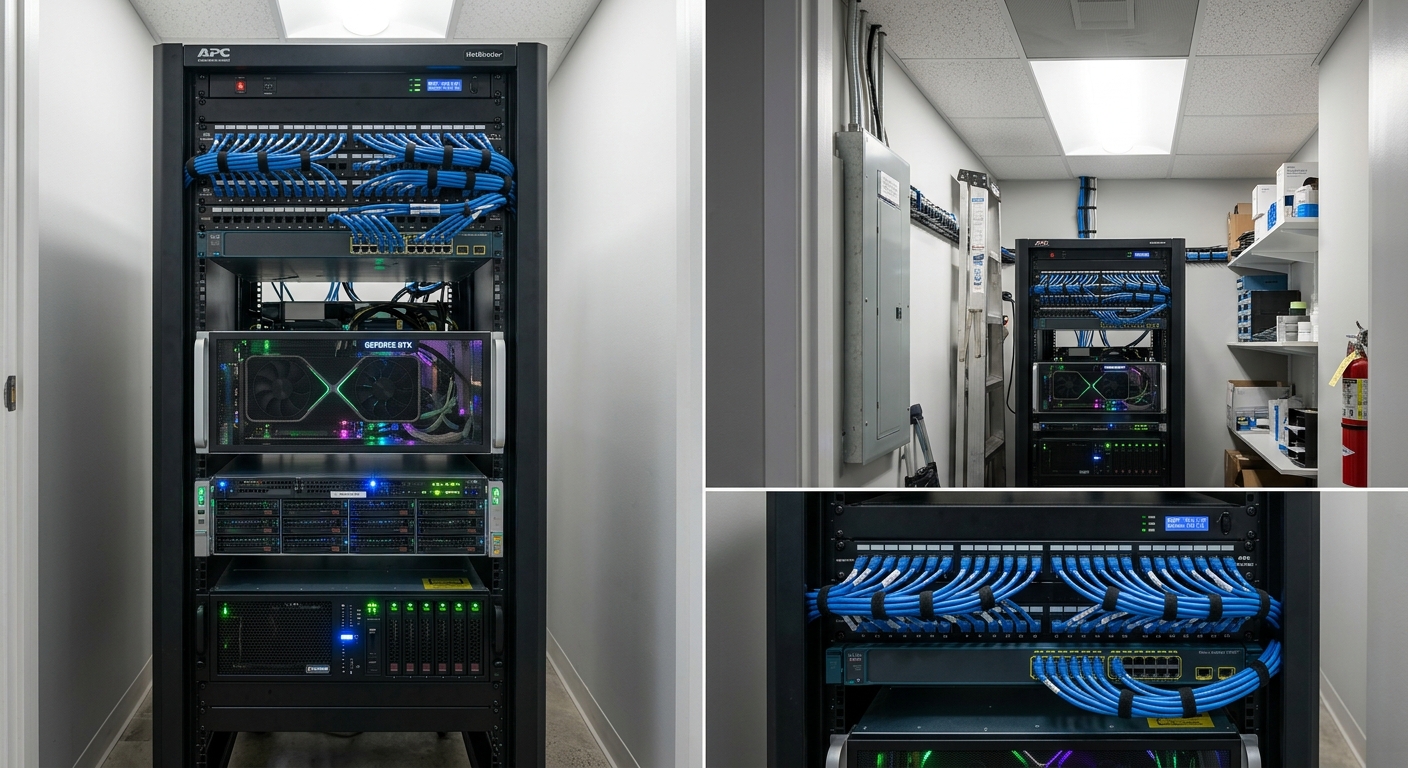
We built a dedicated inference box using two NVIDIA RTX 4090 GPUs. This gave us 48GB of dedicated VRAM. We switched from Ollama to vLLM, which handles concurrent requests much better. We also changed our quantization strategy. Instead of trying to run the highest precision possible, we moved to 4-bit quantization using the Hugging Face Quantization Guide as a reference for our settings.
We also updated our IDE configuration. We kept the 8B model running locally on the laptops for simple, low-latency autocompletes. Anything that required a larger context window or complex reasoning was routed to the GPU server. We used a feature flag to toggle between local, private-server, and cloud-fallback modes.
Results
The results were immediate. By offloading the heavy lifting to a dedicated server, we regained our system stability.
- Productivity: Tokens per second for complex tasks jumped from 3.1 to 45.0.
- Observability: We added a logging layer to the GPU server that gave us better metrics on which models were failing on which types of code. We found that the 70B model still had a 5% regression rate on Python type hinting, which we wouldn't have caught without centralized logging.
- Silence: The engineers' laptops stopped overheating. This sounds minor, but it was the most cited improvement in our post-mortem.
- Cost: While the 4090 rig cost about $4,000 to build, it paid for itself in three months compared to the subscription costs for 10 seats of premium cloud AI tools.
We also integrated Groq as a high-speed fallback for non-sensitive code. If an engineer is working on a public open-source component, they can opt-in to the Groq API to get 250+ tokens per second, which feels like the future. For internal proprietary logic, the traffic stays on our private GPU box.
What we would do differently
If I had to start over, I would not even attempt to run 70B models on laptops. It was a waste of time. I would have started with a small, specialized model like DeepSeek-Coder 7B for the local IDE plugin and focused on the server-side infrastructure from day one.
I also would have been more skeptical of the benchmarks provided by the local LLM community. Most of those benchmarks are run in isolation, not while a developer has 50 Chrome tabs and a heavy build process running in the background. Real-world performance is always lower.
We also learned that the IDE choice matters. Using Windsurf allowed us to configure different endpoints for different types of agentic flows more easily than some of the more rigid plugins. This flexibility is critical when you are managing a hybrid setup.
Ultimately, running local LLMs for coding is about finding the balance between privacy and the reality of hardware limits. Don't buy into the hype that a laptop can replace a data center. It can't. But a well-placed GPU server in your office closet might just do the trick.


