
The incident report was 12 pages long. It started because an AI assistant decided that a global variable in our 10 year old monolith was redundant. It was not. Three hours of downtime and a messy rollback later, I realized we are treating these tools like senior engineers when they are actually just very fast interns with no memory.
When you are working in a codebase with half a million lines of code, the context window is your biggest enemy. If the tool cannot see the dependency hidden in a legacy module three folders deep, it will break your build. I have spent the last month pitting Claude Code against Cursor on our internal services to see which one actually helps us ship and which one just creates more work for the on-call rotation.
Cursor is an IDE fork of VS Code. It uses a vector database to index your files. Claude Code is a CLI agent that lives in your terminal. They approach the problem of large codebases from opposite directions. One tries to show you everything. The other tries to do everything for you.
What you will have at the end
By the end of this guide, you will have a clear decision matrix for when to use Claude Code versus Cursor based on your repository size and team structure. You will also have a set of commands to audit how these tools index your files so you do not push a regression that costs you your weekend.

Prerequisites
Before you start moving your logic around, you need a few things in place. Do not try this on a fresh repo. Use a project that actually has some technical debt.
- An Anthropic API key with tier 4 or higher access for Claude Code.
- A Cursor Pro subscription. The free version does not have the indexing power needed for large projects.
- Node.js 18 or higher for the Claude CLI.
- A local copy of a codebase with at least 1,000 files.
If you are managing a complex stack that involves ecommerce monitoring or site health, you might already be using Selzee for your Slack alerts. This is the same mindset. You want a tool that tells you what is happening without you having to click around 50 different tabs.
Step 1: Indexing and Context Management
Cursor relies on RAG. It builds a local index of your files. When you ask a question, it searches for the most relevant snippets and feeds them to the model. In a large codebase, this is often flaky. If your naming conventions are inconsistent, the search might miss the one file that actually matters.
Claude Code takes a different path. It uses the Model Context Protocol (MCP) to interact with your file system directly. Instead of guessing what is relevant beforehand, the agent can list directories, read files, and grep for patterns. It behaves more like a human engineer exploring a new repo.
To test the indexing accuracy, run this in your terminal with Claude Code:
claude "Find all instances where we use the deprecated auth-v1 endpoint and list the files that do not have a fallback retry logic."
Compare this to Cursor's '@Codebase' feature. In my experience, Cursor is faster for quick questions, but Claude Code is more thorough for finding every hidden corner of a regression. If you are worried about your infrastructure, you should also look at our AI Ops Tools Comparison to see how these fit into a broader stack.
Step 2: Executing Multi-file Refactors
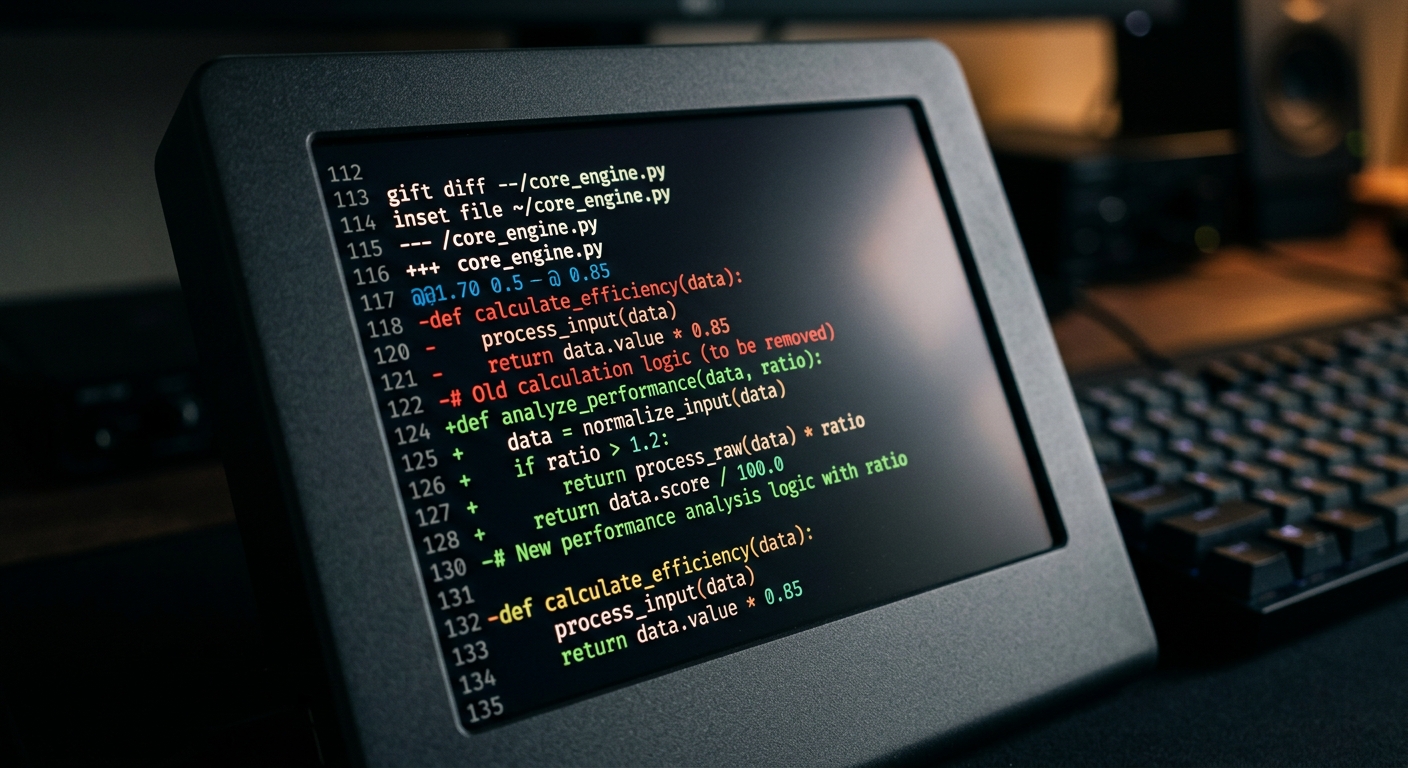
This is where the choice becomes a tradeoff between visibility and speed. Cursor's Composer mode allows you to see the diffs in real time across multiple files. You can accept or reject changes line by line. It feels like a very fast pair programmer.
Claude Code is more aggressive. It can run your build commands, execute tests, and fix its own errors. If I tell Claude Code to update a library, it will run npm install, see the build fail, read the error log, and then fix the code. This is powerful, but it is also dangerous. You need high observability to ensure it is not doing something stupid in the background.
For those working on design systems, tools like Canva AI help with the visual side, but for the actual implementation of a living library, you need an AI that understands the underlying CSS and component logic. You can read more about that in our guide on using AI for design systems.
Step 3: Managing Observability and Cost
Large codebases eat tokens for breakfast. Cursor handles this by abstracting the cost into a monthly subscription, though they will throttle you if you go overboard. Claude Code uses your direct API keys. If you point Claude Code at a 2GB repo and tell it to refactor everything, you will see a massive bill by the afternoon.
I recommend setting up a feature flag for any AI-generated code. Never ship a large AI refactor to 100% of your users at once. Use a tool like Copy.ai to help document the changes, but keep the technical validation human-centric. If you need real-time data integration during your research, Grok can be a useful sidecar for checking live documentation updates on X that might not be in the model's training data yet.
Troubleshooting
If you find that Claude Code is stuck in a loop trying to fix a flaky test, use the ctrl+c command immediately. It can get caught in a backpressure situation where it keeps trying the same fix because it does not realize the test failure is environmental.
If Cursor is not finding your files, go to your settings and force a re-index. The vector store can get stale after a large git pull or a branch switch. We saw similar issues in our guide on using AI for Kubernetes troubleshooting, where stale logs led to the wrong diagnosis.
Next steps
- Install the Claude Code CLI via
npm install -g @anthropic-ai/claude-codeand run it on a sub-directory first. - Compare the results of a complex search query between Cursor and Claude Code.
- Audit your token usage to see if the agentic approach is actually worth the cost for your team.
- Check out our comparison of Notion AI vs Obsidian AI for Product Teams to see how your documentation should keep up with your code.
You can find the full technical documentation for these tools at the Anthropic Claude Code docs and the Cursor feature page. Stop looking for a silver bullet and start looking at the logs.


